Microsoft Excel
$99.99 / yr
$99.99 / year with a 7-day free trial
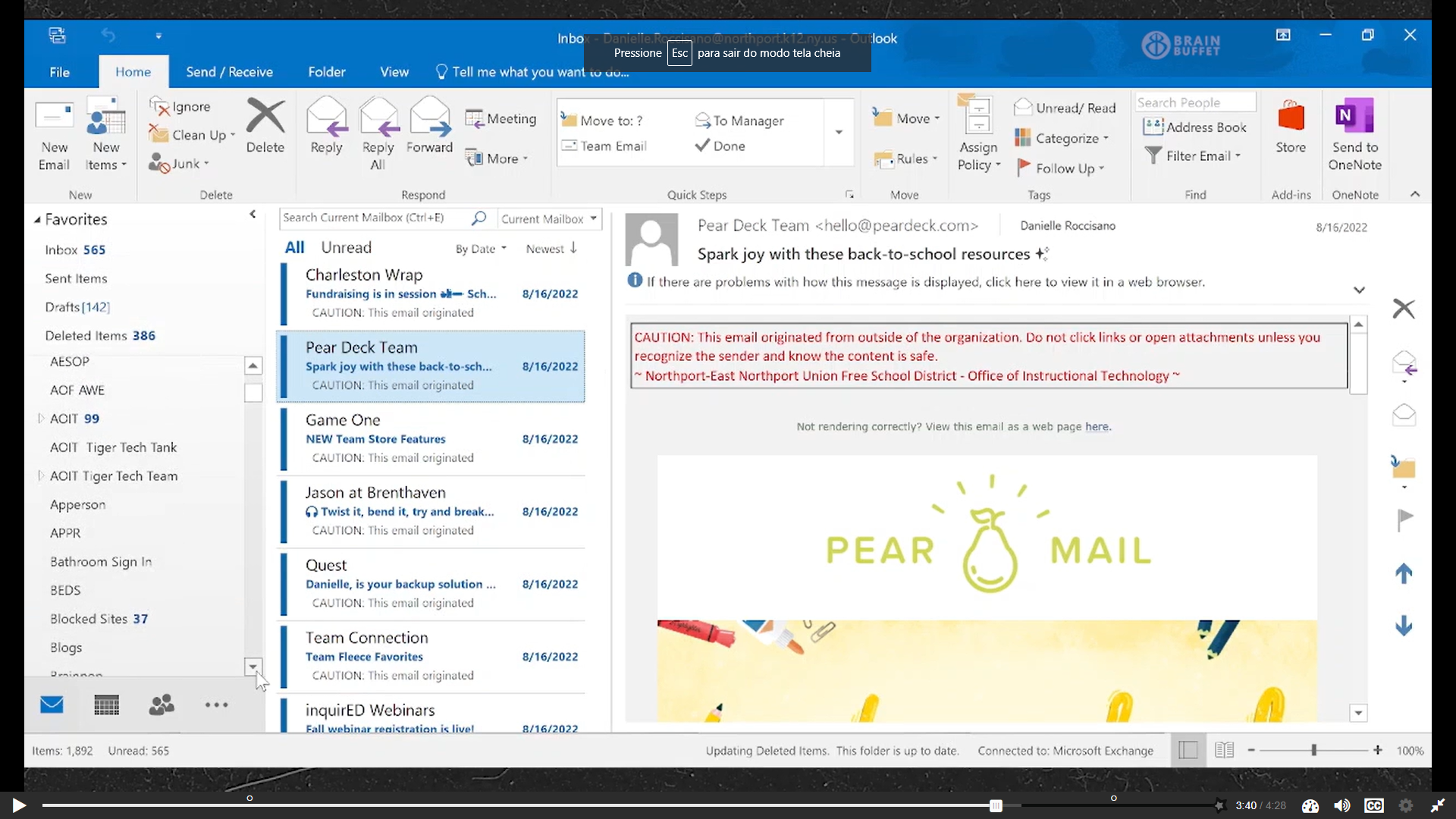
The Microsoft Outlook course is designed to provide comprehensive training on the features and functionalities of Microsoft Outlook, a widely used email and personal information management program. This course is suitable for beginners and individuals who want to enhance their skills in using Outlook effectively.
By the end of the Microsoft Outlook Essentials course, participants will have acquired the skills and knowledge needed to effectively use Outlook to manage their emails, contacts, calendars, and tasks, thereby improving productivity and organization in their personal and professional lives. For group/class purchases please contact us.
What you’ll need to complete this course:
1. The computer software to follow along with the lessons.
2. Access to the internet and a browser to watch our videos online.
3. A Google Drive or Microsoft OneDrive account to access the course resources.

Danielle is a Microsoft Office Specialist and instructional technology teacher who works with students and faculty frequently to assist them with Outlook. She has taught over 200 professional development courses and loves assisting adult learners, especially teachers, to improve upon their practice. She aspires to one day expand her role to school administration and help expand the technology in her school district.
Outlook Certified User Exam
Learn more about the certificationSpanish
|
English
Module 1
You are part of the team responsible for onboarding new employees and have been tasked with creating a section of the Orientation handbook. In this module, you will teach new employees how to configure Outlook to support professionalism and productivity. You will introduce best practices and core features, keeping in mind that some employees may be using Outlook for the first time.
Module 2
As a senior employee, you will create a series of infographics to share across the company. These visuals will guide employees in customizing Outlook settings and workflows. Drawing from your experience, you will highlight effective strategies for managing mail, calendars, and search options to help others work more efficiently.
Module 3
Your company’s existing Outlook training videos are outdated, and you have been asked to create two new videos focused on email features. In this module, you will produce concise, informative training content that demonstrates how to use key email tools, explains why certain features are helpful, and shows how they improve overall Outlook usage.
Module 4
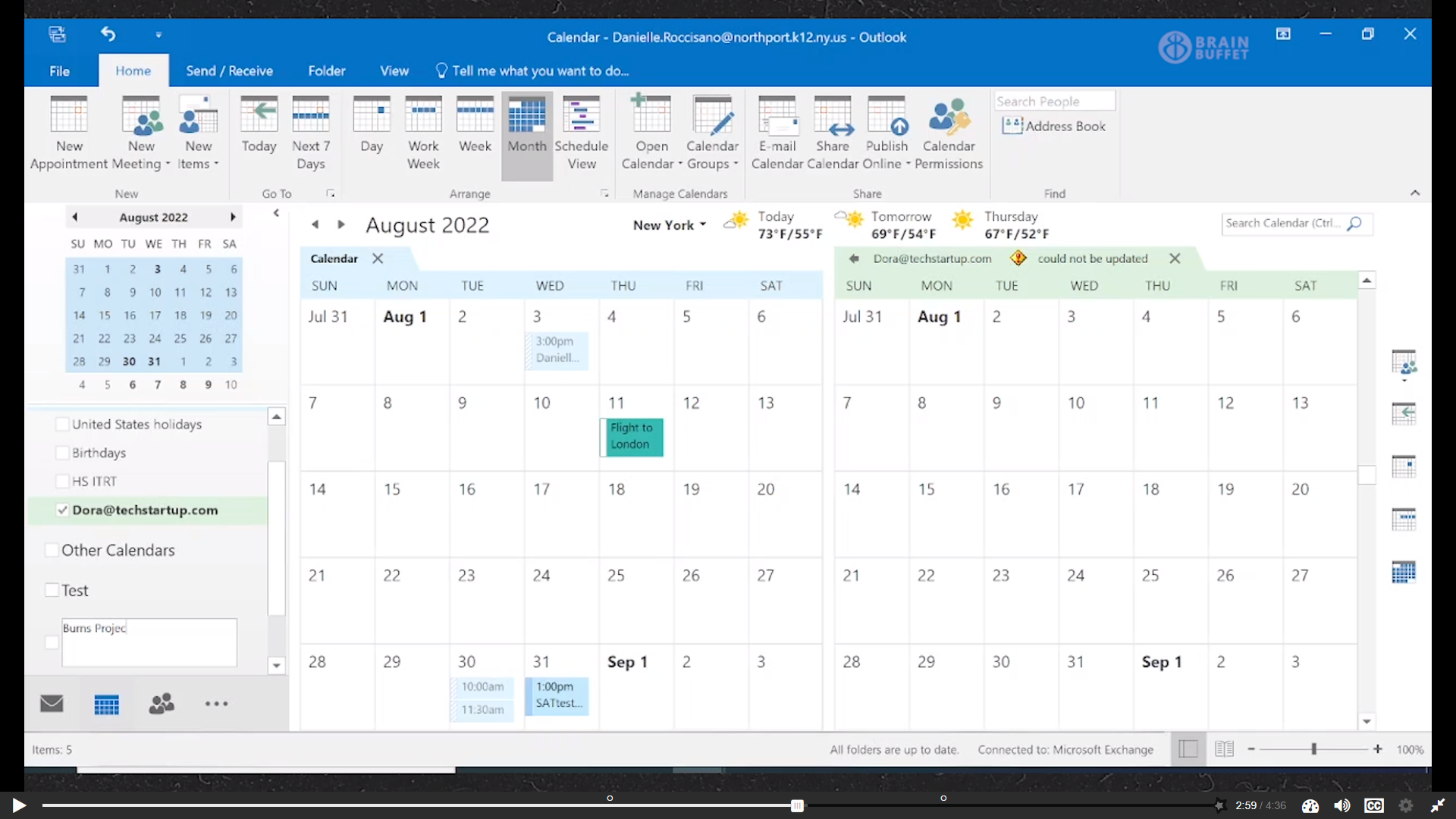
Following a suggestion from your manager, you will create blog posts for your company’s internal blog. These posts will focus on best practices for using the Outlook calendar. The goal is to provide clear, relatable guidance that helps both new and experienced users better manage scheduling and time.
Module 5
After attending a national conference, you learned effective strategies for following up with professional contacts. In this module, you will create a presentation to share these tips with your team during a department meeting, helping others apply these networking and follow-up best practices using Outlook tools.