Microsoft Outlook
$99.99 / yr

$99.99 / year with a 7-day free trial
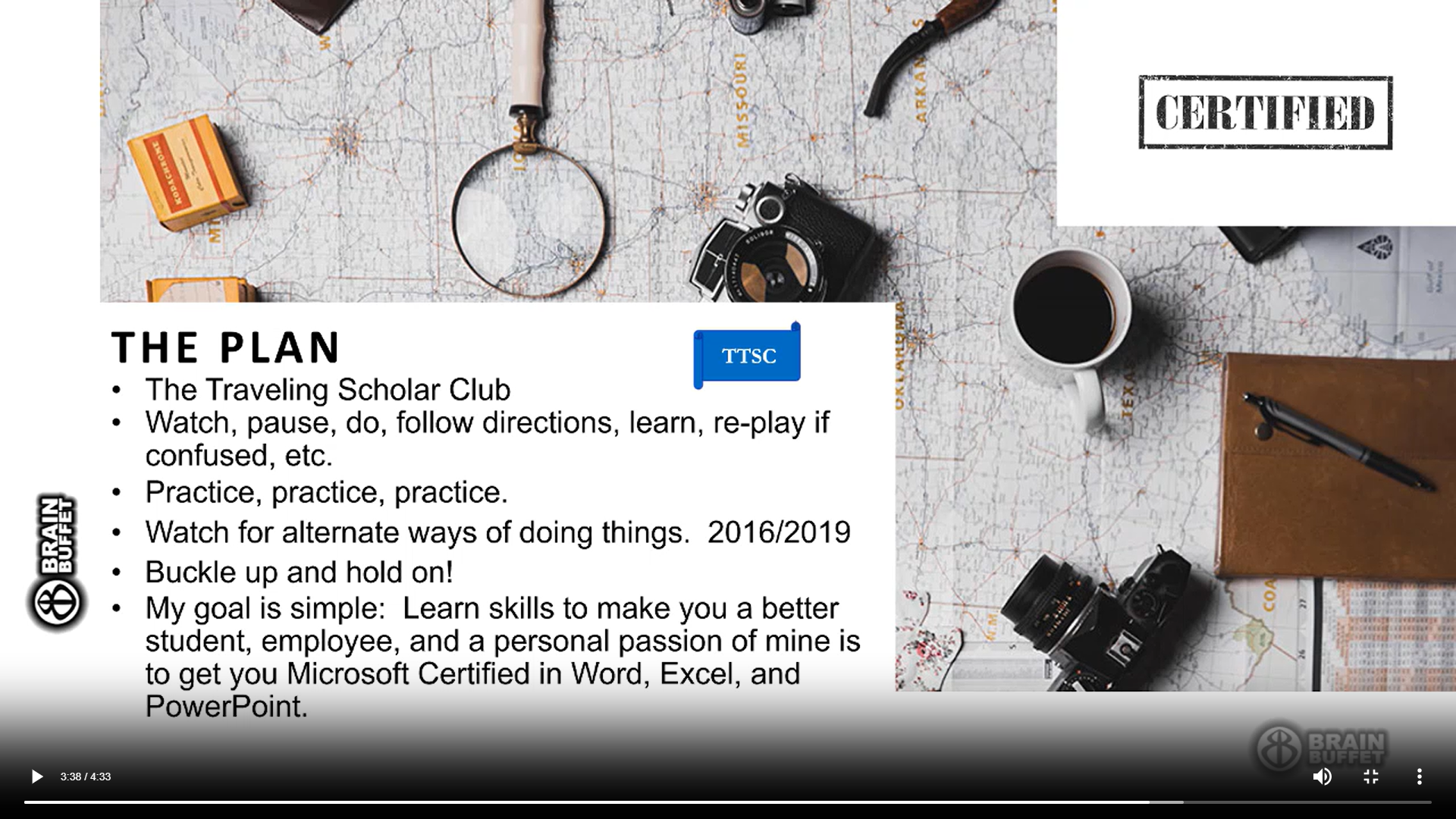
Almost everyone has used PowerPoint at some point in their lives, but few know how to use it well – and that’s exactly what instructor Jennifer Stubblefield is here to teach you in our Microsoft PowerPoint course. Join her (fictitious) Traveling Scholars Club to create realistic, industry-relevant presentations and prepare for the PowerPoint certification exam.

Jennifer spent 27 years in public education. She is a cheerleader for Microsoft Office Certification and was named the 2019 Certiport Educator of the Year, 2018 Southern Business Education Teacher of the Year, 2016 Ky Business Education Teacher of the Year, 2016 Chamber of Commerce Most Outstanding Women in Business. On the side, she does corporate training in Word, Excel, PowerPoint, and Outlook. Known for having high energy and never sitting still for very long.
MOS PowerPoint Associate Certification (Office 2019)
Learn more about the certificationSpanish
|
English
Module 1
While The Traveling Scholar Club has many popular destinations, six cities consistently stand out among our members. In this module, you will create a PowerPoint presentation highlighting these six destinations and explaining what makes them so appealing. The completed presentation will include speaker notes, appropriate graphics, and an attractive layout so it can be used by any TTSC campus for promotional purposes.
Module 2
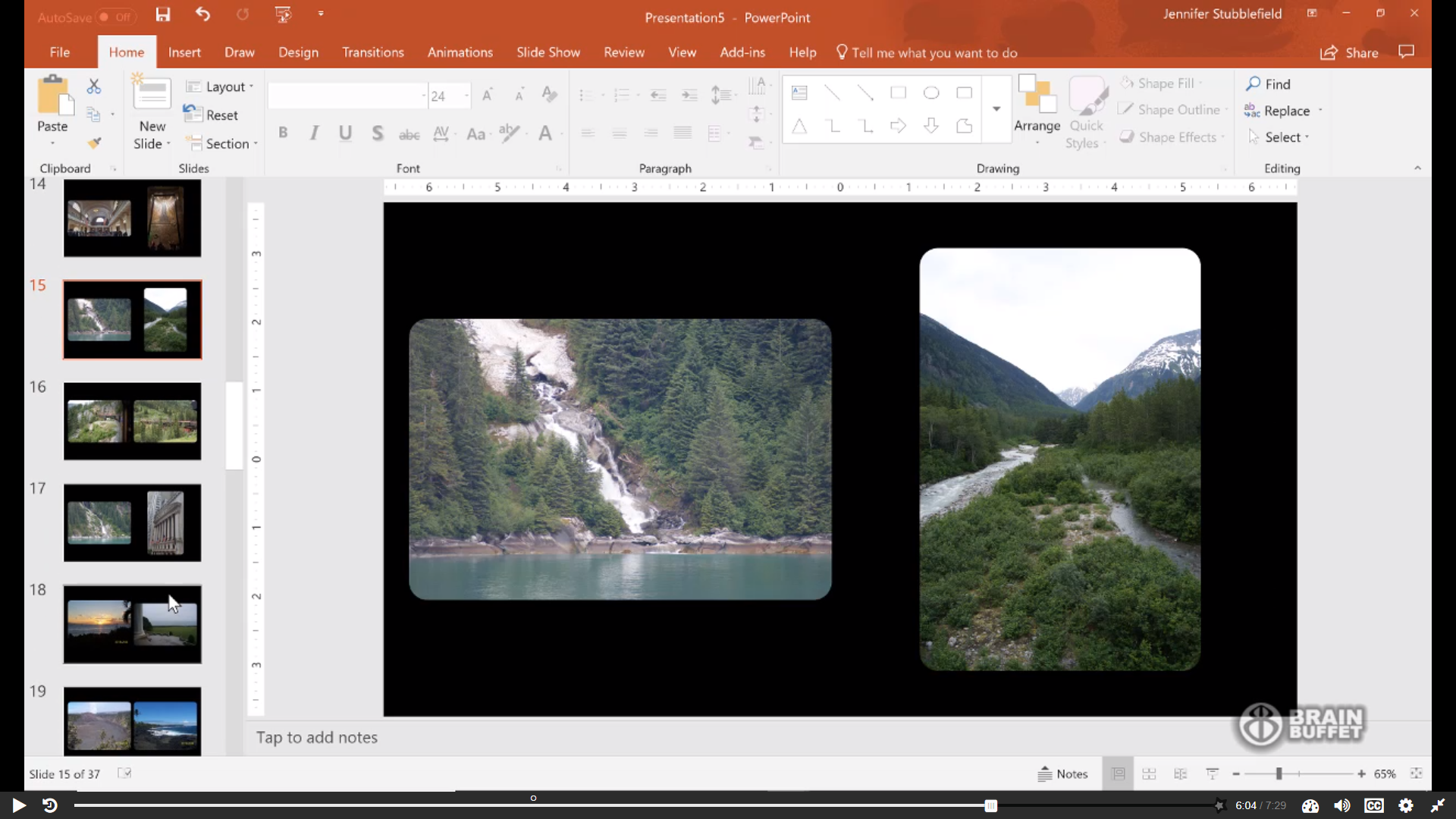
TTSC needs a PowerPoint presentation to serve as a visual display at various events. In this module, you will create a continuously scrolling photo album featuring photographs taken by TTSC members during their travels. This presentation will be ideal for unmanned booth setups on university campuses, helping promote TTSC to both current and potential members.
Module 3
Travel safety is a top priority for The Traveling Scholar Club. In this module, you will create a PowerPoint presentation that clearly communicates travel rules, tips, and safety recommendations to TTSC members. The presentation will be designed for use as both an email attachment and a live visual aid, incorporating elements such as hyperlinks, tables, and SmartArt to enhance understanding.
Module 4
TTSC has found that member testimonials are one of the most effective and affordable forms of marketing. In this module, you will create a marketing-focused PowerPoint presentation using member photos and testimonials to promote TTSC programs and encourage new memberships.
Module 5
TTSC’s most popular offering is the “Cruise for Credit” program, which is the primary reason many members join the club. In this module, you will enhance an existing presentation by adding audio, animations, and graphics to make it more engaging and entertaining for audiences.
Module 6
Following the completion of a financial audit, TTSC needs to present its financial status to the Board of Directors and club members. In this module, you will create a financial presentation using pre-existing tables and charts, along with handouts and video elements, to clearly communicate key information and keep the audience engaged.
Module 7
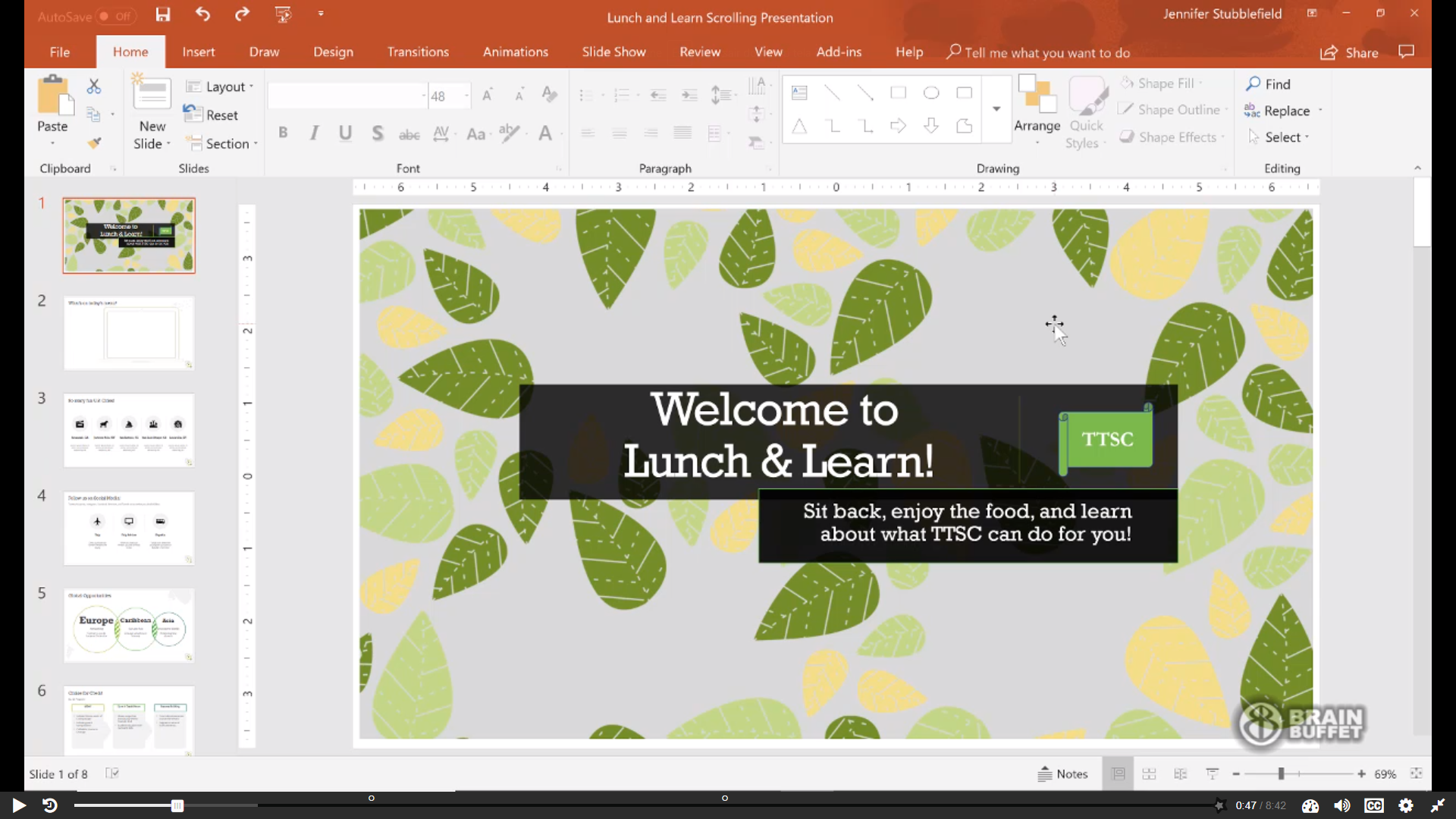
TTSC hosts Lunch and Learn events to introduce potential and current members to the club’s benefits. In this module, you will edit an existing presentation to create a continuously scrolling display that shares interesting facts about the TTSC experience, serving as an informational visual throughout the event.
Module 8
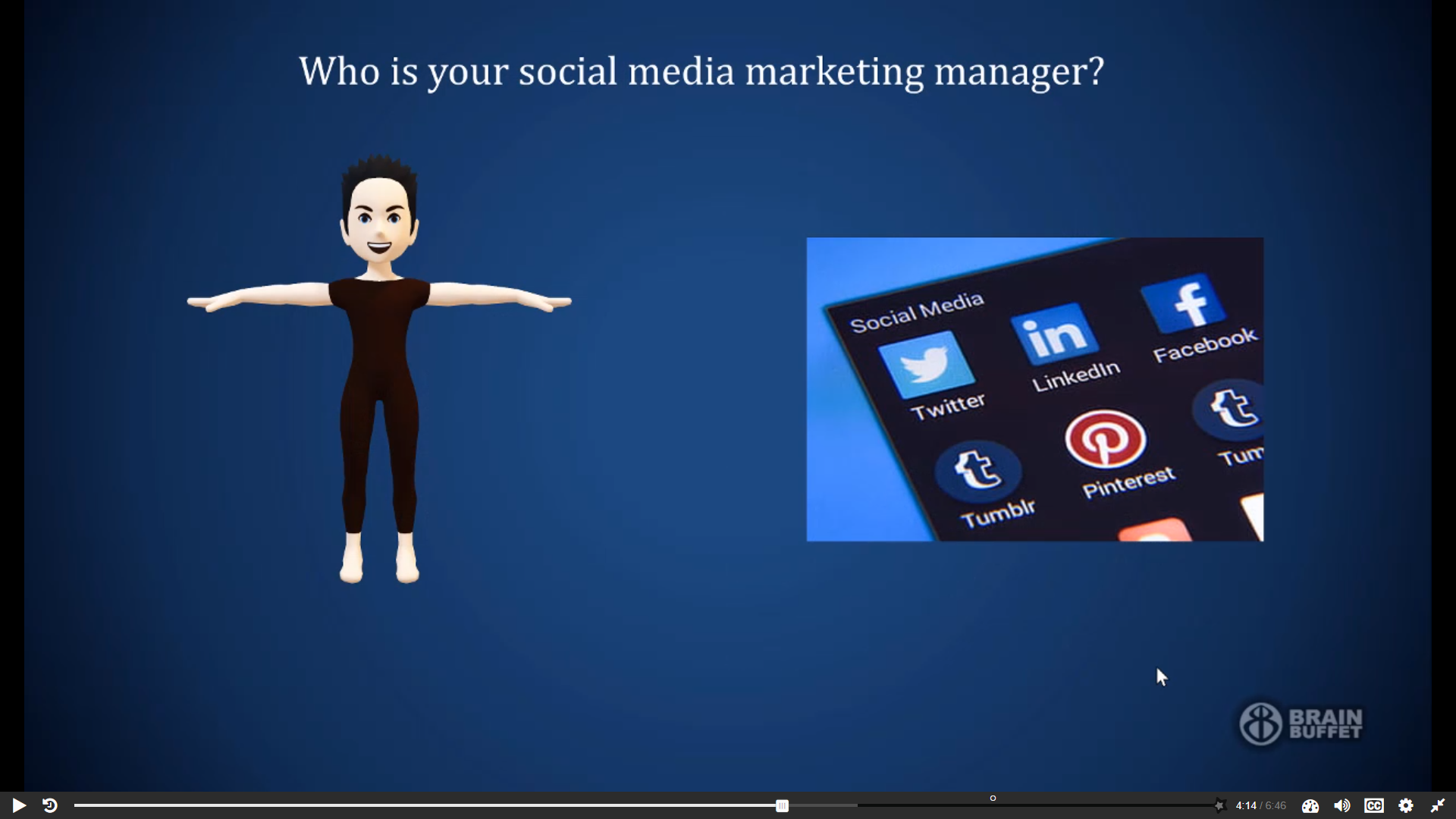
Social media plays a major role in TTSC’s marketing strategy. In this module, you will finalize a semi-annual Social Media Marketing presentation for the Board of Directors, ensuring it clearly communicates marketing efforts, investments, and results.
Module 9
As TTSC continues to grow, maintaining a consistent and professional presentation style is essential. In this module, you will create a customized slide master along with two new slide layouts to ensure all future TTSC presentations maintain a polished and unified appearance.