Entrepreneurship and Small Business Certification Course
$99.99 / yr
$99.99 / year with a 7-day free trial
In this course, instructor Ron Trucks walks you through everything you need to know about QuickBooks Online, including how to connect QuickBooks to your bank account, how to create a data file, how to use lists, and so much more! Whether you’re a business student, an accountant, or a business owner, you’ll learn everything you need to start using QuickBooks and to take the certification exam.

Along with over 25 years of coaching small businesses, non-profits, and start-ups on management and bookkeeping, Ron has taught as an adjunct instructor in the Business Management department at Jefferson College in Hillsboro, MO for over 15 years. A house full of dogs and lots of travel keep him busy when he's not helping students and owners understand "what the heck all this business stuff is about."
Intuit QuickBooks Online Certified User - U.S.
Learn more about the certificationSpanish
|
English
Module 1
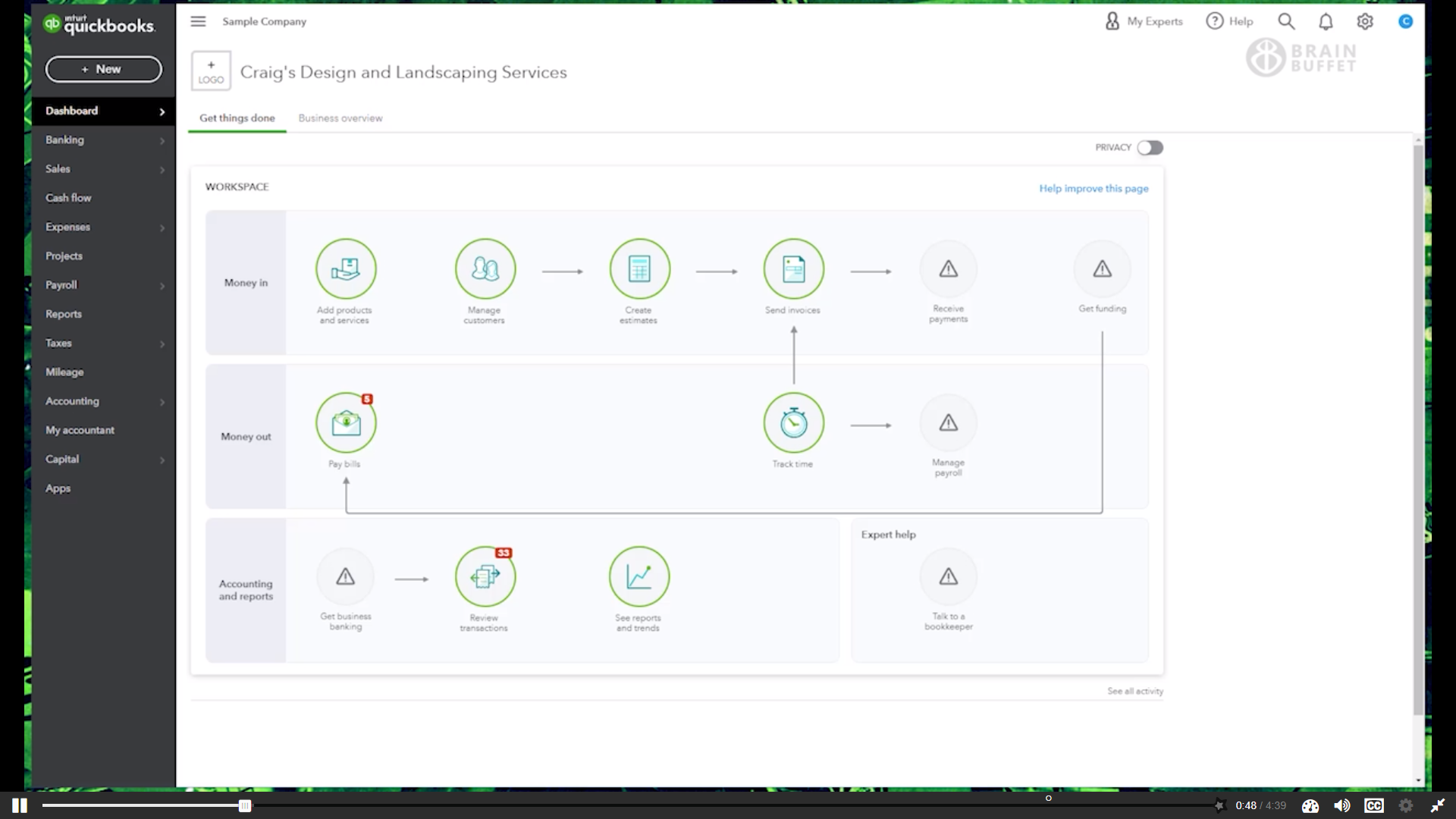
Get a clear picture of how QuickBooks Online really works. You’ll learn what’s happening behind the scenes when you enter data, click buttons, and run reports, setting a strong foundation for understanding how the software functions and how the course is structured.
Module 2
Set up a QuickBooks file the right way from the start. Learn how to create a company file, customize settings, manage user access, and connect bank accounts so your system is efficient, accurate, and ready for real business use.
Module 3
Learn how Lists power QuickBooks as a database. You’ll understand how different lists work, what information belongs where, and how to add, edit, and use list items to record transactions accurately and efficiently.
Module 4
Record sales with confidence by choosing the right tools based on when and how you get paid. You’ll learn how to handle sales transactions and manage incoming payments so your income is tracked correctly from start to finish.
Module 5
Track expenses from planning to payment. Learn how to record purchases, manage bills, and document payments you’ve already made, ensuring expenses are accurately reflected alongside your income.
Module 6
Explore the fundamentals of bookkeeping inside QuickBooks. You’ll organize the Chart of Accounts and learn how financial activity flows into key reports like the Balance Sheet and Profit and Loss, helping you understand what your numbers actually mean.
Module 7
Turn your data into insights you can use. Learn how to access, customize, and prepare reports that help you understand your business performance and support smarter decision-making.
Module 8
Save time and reduce frustration by customizing QuickBooks to fit your workflow. You’ll explore efficiency tools, organizational features, shortcuts, mobile access, and receipt uploads to streamline everyday tasks.
Module 9
Wrap up essential details that keep your books accurate and compliant. Learn how to reconcile accounts, manage 1099s, review transaction history, and understand key tools that support clean, reliable financial records.