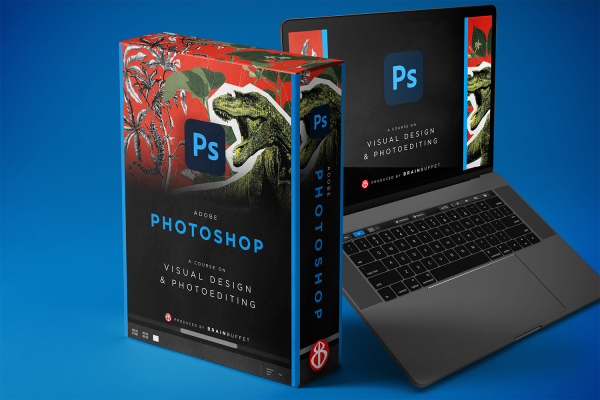
Graphic Design Focus Package
$39.99 / mo
$99.99 / year with a 7-day free trial
Turn your ideas into eye-catching digital art with Photoshop! This all-new 2025 BrainBuffet course is packed with updated tools, fun creative challenges, and real-world projects designed to level up your photo editing and design skills. You’ll explore everything from basic retouching and color correction to advanced techniques like compositing and Generative AI. With a hands-on, project-based approach, you’ll build an impressive portfolio and prepare to crush the Adobe Certified Professional exam—all while having a blast in Photoshop.
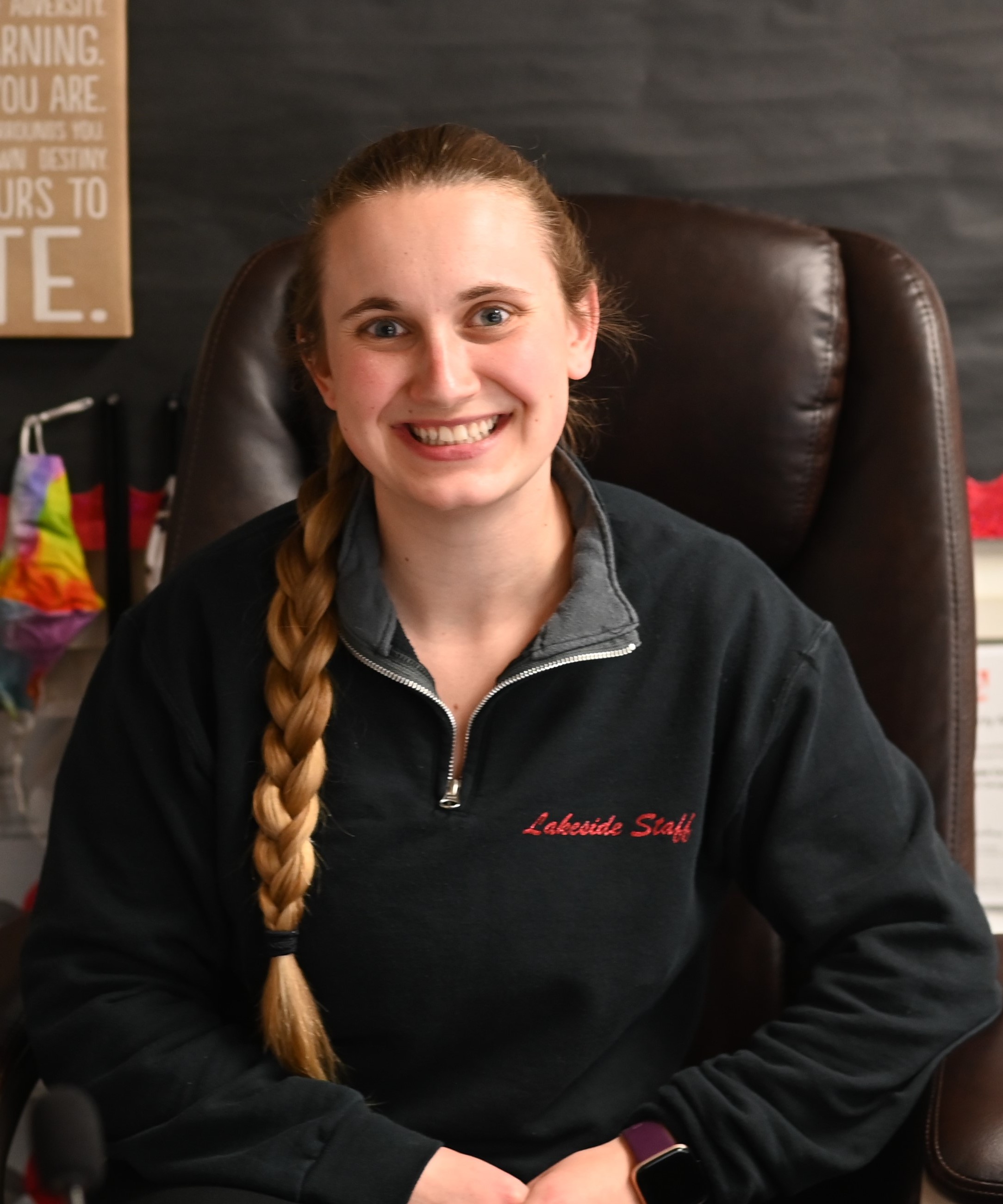
With a robust background in Secondary Education from the University of Idaho and a Master's in Educational Technology from Boise State University, our Media Technology instructor brings extensive knowledge and experience to Lakeside High School in Plummer, Idaho. She specializes in courses like Intro to Technology, Graphic Design, Commercial Photography, Video Production, and Journalism. Starting her career with Teach For America in 2015, she has become an Adobe Education Leader, integrating digital creativity into the classroom. Holding multiple Idaho teaching certificates and endorsements, she fosters a dynamic and innovative learning environment. Carly loves watching students get certified and creating digital projects applied to real-world scenarios. She also supports other teachers in the Pacific Northwest, especially in using ed-tech tools to create engaging lessons.

Besides teaching English, Journalism and Social Studies over the past 29 years, Jonathan has taught Digital Media Technology and Computer Applications for both secondary and post-secondary students. Though specializing in the Adobe Suite, he has taught Word, Excel, Powerpoint, and Web Design. Jonathan has been the recipient of the Sun-Sentinel Journalism Teacher of the Year as well as the Florida Scholastic Press Association District 7 Teacher of the Year. Jonathan is also an author and technical editor for several Adobe InDesign publications.

Eric Cornish – Creative Guy! Eric Cornish is a college professor and passionate creative with over 25 years of experience in graphic design and motion graphics. As an Adobe Digital Design Specialist, he holds certifications in all major Adobe design software and has trained thousands of students and educators in industry-standard tools and techniques. With extensive teaching experience, Eric has helped students develop their creative skills through hands-on projects and real-world applications. He believes in learning by doing, making design engaging, accessible, and fun. His approach empowers learners to bring their ideas to life with confidence. Whether working with students, educators, or creative professionals, Eric is dedicated to making design approachable and inspiring the next generation of designers.

My name is Nickolas Warner, and I’m a nature photographer, educator, and outdoorsman based in Utah. My focus in photography is to transport viewers to wild and extreme places they might not otherwise experience. Over the years, I’ve been honored to receive several awards, including Aurora Photographer of the Year and the RAW Planet Award. My work has also been featured in magazines, travel publications, and by major news outlets around the world.

Sarah Lawrence is a designer, illustrator, and strategist based in Atlanta, Georgia, with over 10 years of experience bringing creativity and clarity to complex ideas. She works with clients like Facebook, the Atlanta Regional Commission, and Midtown Alliance to design branding, editorial, research collateral, and installations — and sometimes invents entirely new formats such as the Analog Vending Machine and Living Infographics. Her work has been featured in Fast Company, Quipsologies, 99U, and HLN, and she has spoken at the Museum of Design Atlanta, TedX, and DesignMadison. When she’s not collaborating with clients, she enjoys following her curiosity into personal projects, gardening, and spending time with her dogs Cocoa and Peanut, her cat Lernie, and her many plants.
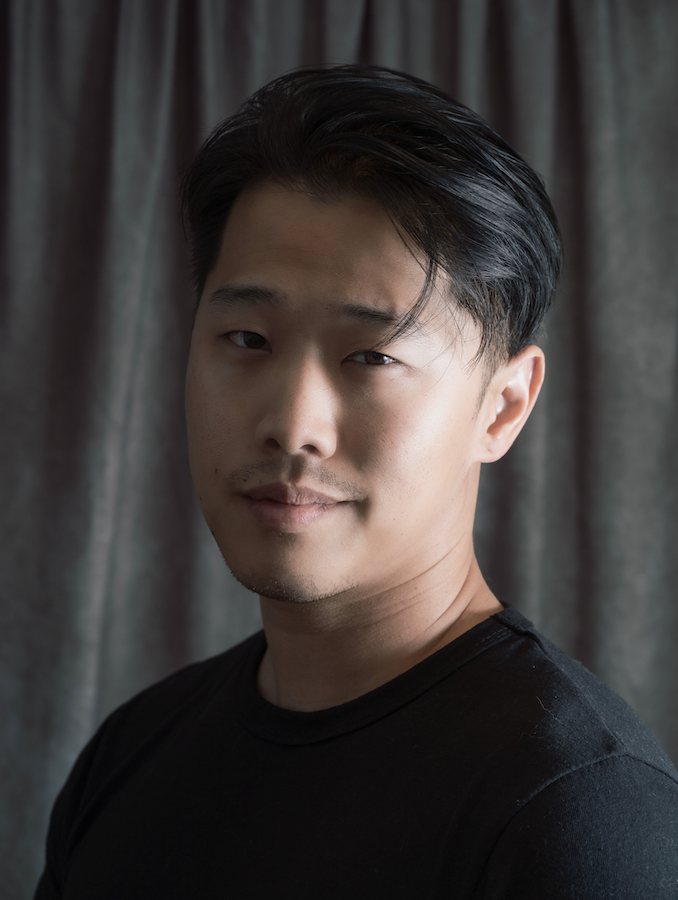
Isacc Yi is a multifaceted commercial photographer who has experience in product, branding, food and drinks, and portraiture. Apart from the actual process of taking photos, he also loves to get involved with set design and creating various props for whatever project he is working on. His goal in his work is to create captivating worlds that draw viewers in and tell a story. He is self-taught and has created his own opportunities to work with brands like Corkcicle, Mejuri, Angostura, and Harley-Davidson. When he’s not working, he enjoys playing video games, reading, watching movies, and working on personal projects.

Charles Gilbert, a native in Canada, pursued a career in professional acting that brought an exciting time ranging from radio shows, commercials, and an international TV show where he met colorful celebrities along the way. A video gamer at heart, his 2nd career involved computer animation for TV commercials and video games for mobile phones. Minoring in education he always had a passion for teaching which led him now to teach video game design at Lake Worth High School in Palm Beach county where he is loved by his students, wife, and two kids.
Adobe Certified Professional Exam 2025. If you plan to take the 2023 or 2024 exams, please follow the directions provided here.
Learn more about the certificationEnglish
Module 1
Jump into Photoshop and start creating right away. Explore the interface, tools, and panels through a fun mini-project designed to build confidence, spark creativity, and help you feel comfortable experimenting from day one.
Module 2
Learn how to enhance and refine images with core editing and retouching techniques. You’ll build a strong foundation for making creative adjustments while developing your own visual style.
Module 3
Bring imagination to life through advanced compositing. Combine multiple assets, master masking and warping, and balance color, light, and shadow to create a realistic fantasy scene—skills used in concept art, game design, and visual storytelling.
Module 4
Design a professional movie poster using selections, masks, blending modes, and strong typography. Learn how to build visual hierarchy, set mood through color and type, and prepare files for both print and digital delivery.
Module 5
Explore Photoshop’s Generative AI tools to create AI-enhanced designs. Learn how to write effective prompts, evaluate AI results, and make thoughtful creative choices—while also reflecting on ethics, authorship, and responsible AI use.
Module 6
Work like a professional designer by creating promotional materials for a recording artist. Learn how to interpret a client brief, develop concepts, manage files, and deliver polished designs for print and social media.
Module 7
Break the rules and design with emotion and intent. Create an expressive, mixed-media poster inspired by experimental design, using texture, typography, layering, and mood to tell a powerful visual story.
Module 8
Prepare for the Photoshop certification exam by reviewing key tools, concepts, and test strategies. Connect your hands-on skills to exam objectives and walk into test day confident and ready.