Adobe InDesign
$99.99 / yr
$99.99 / year with a 7-day free trial
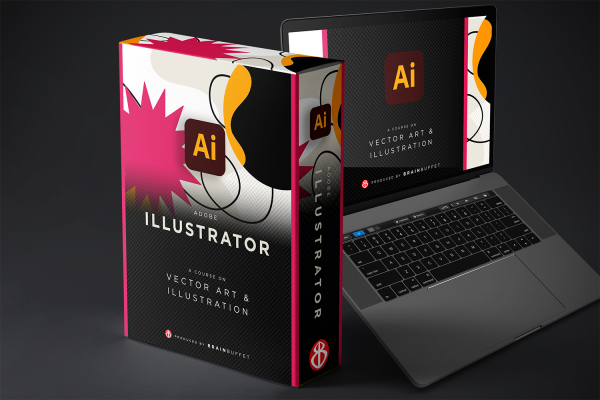
BrainBuffet’s Adobe Illustrator Course is a creative deep dive into the world of vector graphics, led by the talented Carly Green. Whether you’re just opening Illustrator for the first time or ready to polish your design chops, this course has your back. You’ll kick things off by getting comfortable with the Illustrator workspace, then jump into real-world projects like building a branding style guide, designing a poster, and crafting a professional trifold. With hands-on projects, quizzes, and engaging lessons, you’ll build the skills (and the portfolio) to crush the Adobe Certified Professional exam and show off your design know-how.

With a robust background in Secondary Education from the University of Idaho and a Master's in Educational Technology from Boise State University, our Media Technology instructor brings extensive knowledge and experience to Lakeside High School in Plummer, Idaho. She specializes in courses like Intro to Technology, Graphic Design, Commercial Photography, Video Production, and Journalism. Starting her career with Teach For America in 2015, she has become an Adobe Education Leader, integrating digital creativity into the classroom. Holding multiple Idaho teaching certificates and endorsements, she fosters a dynamic and innovative learning environment. Carly loves watching students get certified and creating digital projects applied to real-world scenarios. She also supports other teachers in the Pacific Northwest, especially in using ed-tech tools to create engaging lessons.
Adobe Illustrator Certified User Exam
Learn more about the certificationEnglish
Module 1
Get comfortable in Adobe Illustrator while learning what makes vector graphics so powerful. You’ll navigate the interface, set up documents, work with shapes and text, manage multiple artboards, and export files correctly—all while understanding the key difference between vector and raster graphics.
Module 2
Design a complete brand style guide for a national park. Learn how branding creates consistency, explore color modes (RGB, CMYK, Hex), understand how color works in print and digital, and choose the right fonts using type classifications and hierarchy.
Module 3
Bring your brand to life by designing a professional poster. Build confidence with layers, effects, gradients, brushes, and symbols while creating a polished, portfolio-ready design that aligns with certification exam objectives.
Module 4
Design a trifold brochure built for print. Learn how to set up bleeds, work across multiple artboards, create clipping masks, and follow copyright and image-usage best practices—all while preparing professional, print-ready layouts.
Module 5
Design a business card from start to finish while practicing real-world design workflows. Learn how to communicate with clients, apply feedback, choose the right file formats, and prepare designs for print or web delivery.
Module 6
Explore Illustrator’s newest tools, including Generative AI, mockups, and Adobe Firefly. Learn how to showcase your designs on realistic surfaces and get practical tips to feel confident and prepared for the certification exam.