
AutoDesk Fusion

Greg King
$14.99 / mo
$99.99 / year with a 7-day free trial
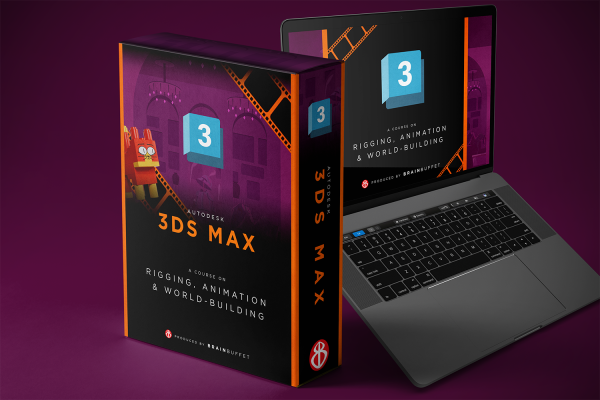
In this Certification Course our instructor Daniel Torres guides us along a hands-on journey to teach the wonderful platform of 3DS Max. In each module, students will work on files, objects, and techniques in a cumulative manner, so that these will come together in the end to create one single scene and produce a set of still and animation renders that students can use for their portfolios while at the same time preparing them for the certification exam. Students can expect to learn how to create their own scenes, model their own characters, and animate all in the 3D world.

Daniel Torres is an architect, filmmaker, and cat lover. He graduated from Cornell University in 2014, where he later worked as an Architectural Visualization Specialist at the College of Architecture, Art, and Planning. Since then, he's also been pursuing his passion as an independent filmmaker with a penchant for analog film. He spends his time between South Florida and Bogota, where he teaches filmmaking and is working on his first feature film.
Autodesk 3ds Max Certified User Exam
Learn more about the certificationEnglish
Module 1
Step into the director’s chair and build your first movie set. Learn how to create and transform primitives, use transform and array tools, and block out an ancient temple scene with accurate proportions and structure.
Module 2
Bring your scene to life by building and placing a character inside your set. Learn clean workflows, object organization, grouping, cloning, and precision tools like snaps and type-in transforms to assemble a character accurately.
Module 3
Create a Lego-style version of yourself and learn proper modeling techniques along the way. Build individual parts, assemble them cleanly, and gain confidence creating original 3D models from scratch.
Module 4
Work as a gaffer on a classic film set inspired by Citizen Kane and Orson Welles. Learn how to place cameras, set up lighting, and recreate dramatic stills using Lego characters.
Module 5
Create realistic movie props and render a polished still-life scene. Learn how to assign materials, control surface appearance, and produce high-quality renders using professional lighting and camera setups.
Module 6
Step into wardrobe design and learn how to unwrap UVs and apply textures correctly. Create detailed costumes—including an iconic adventure look inspired by Indiana Jones—and ensure every texture fits perfectly.
Module 7
Learn how to rig characters so they can move, pose, and perform. Build hierarchies, bones, and skins, then pose characters in expressive, story-driven scenes using professional rigging techniques.
Module 8
Bring everything together and direct your own animated scene. Learn animation basics, keyframes, camera movement, and character motion as you create multiple shots and assemble them into a finished cinematic sequence.