New course!
ITS Device Configuration

Noah LeFevre
$14.99 / mo
$99.99 / year with a 7-day free trial
Step into the world of professional video editing! In this hands-on course, students will learn to plan, produce, and edit engaging video content using Adobe Premiere Pro. From storyboarding and scriptwriting to sound design, editing techniques, and accessibility standards, this course covers the post-production pipeline. Students will explore essential concepts like non-linear editing, frame rates, audio mixing, text overlays, and intellectual property while building the skills needed to create high-quality, audience-focused videos. Whether you’re crafting a short film, YouTube video, or class project, you’ll leave this course ready to bring your vision to life on screen—and prepared to take the Adobe Certified Professional (ACP) exam in Premiere Pro.

Tommy Demos is a Professor of Film, Television & Digital Production who has been an active design professional and educator for over a decade. He holds an MFA in Film Production, a PhD in Leadership & Computer Information Security, and specializes in teaching video editing and motion design to students of all ages. Dr. Demos is a managing member of Wise Up Digital, a creative agency that provides digital production services to clients as well as design technology education to students and faculty across the nation.
Adobe Premiere Pro Certified User Exam
Learn more about the certificationEnglish
Module 1
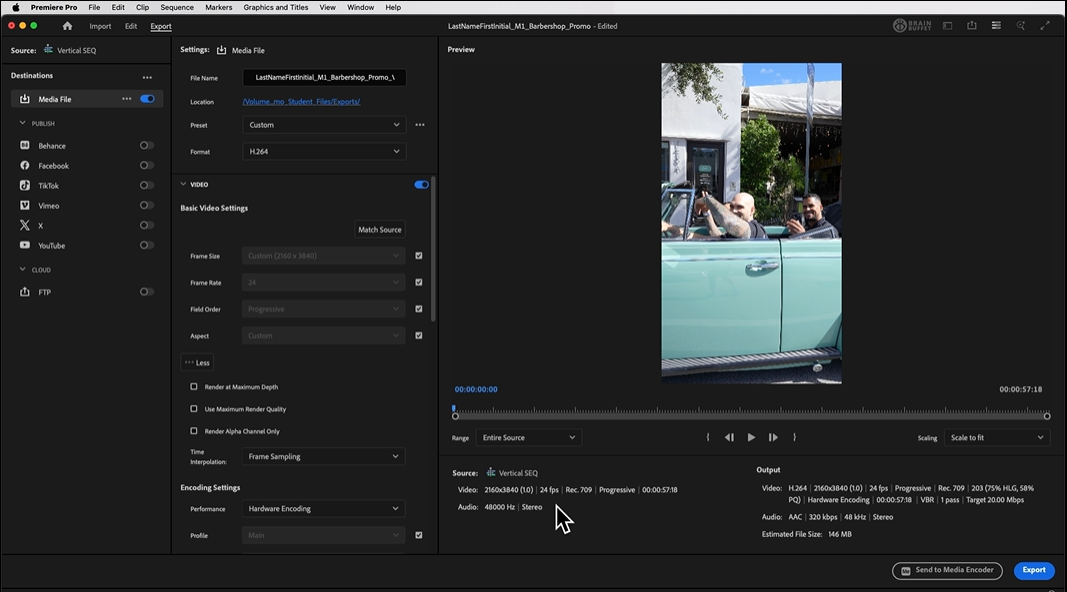
Create a high-impact promo video designed for Instagram, TikTok, and YouTube Shorts. Learn how to set up and organize a Premiere Pro project, sync audio and visuals, add music and captions, and export videos in vertical and square formats. You’ll finish with a polished, story-driven social video ready to post and share.
Module 2
Edit a 60-second recruiting video using real interviews and B-roll. You’ll learn how to shape a compelling narrative, balance dialogue and music, and deliver professional captions for accessibility. By the end, you’ll export multiple versions of the same video—just like real-world client work requires.
Module 3
Step into film-style editing and turn raw footage into a suspense-filled horror scene. Learn advanced pacing, color grading, proxy workflows, cinematic framing, and story-driven editing decisions. This module shows you how technical choices directly impact emotion, tension, and audience engagement.
Module 4
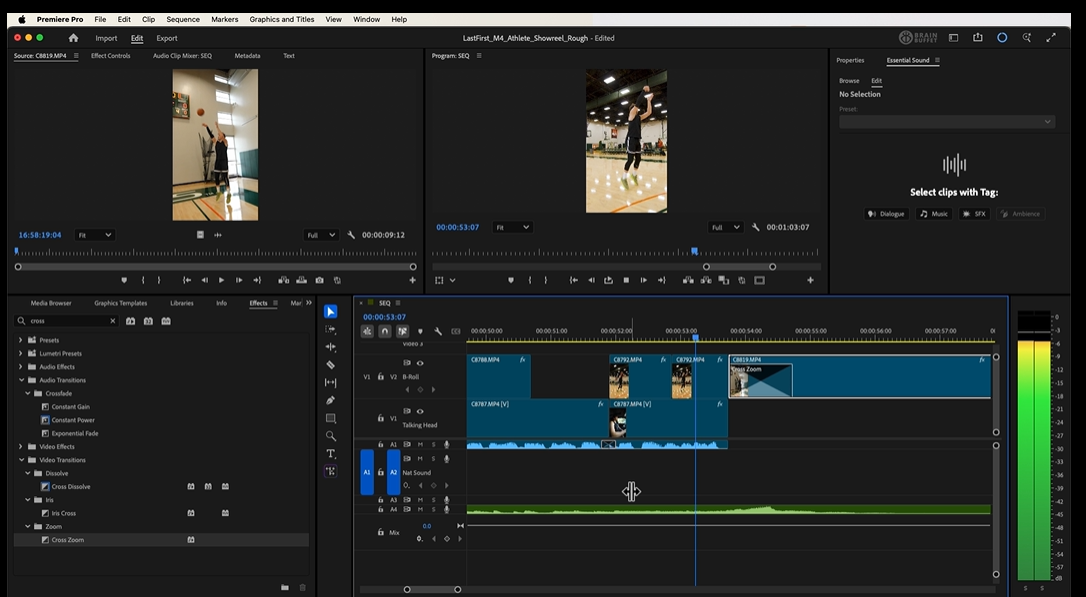
Produce a dynamic one-minute highlight reel designed to impress recruiters and sponsors. You’ll plan an edit with a strong story arc, animate text and lower thirds, add captions in multiple languages, and export for multiple platforms. The result: a portfolio-ready showreel that looks polished, modern, and professional.
Module 5
Prepare confidently for the Adobe Certified Professional exam. Practice focused skill-based challenges like green screen keying, audio transitions, and visual effects, all aligned with exam objectives. You’ll also work through realistic client scenarios and export decisions, building confidence for both certification and real-world workflows.