Web Design Focus Package

Tommy Demos

Carly Green

Jonathan Gordon

Eric Cornish
and more

Nickolas Warner

Sarah Lawrence

Isacc Yi

Charles Gilbert
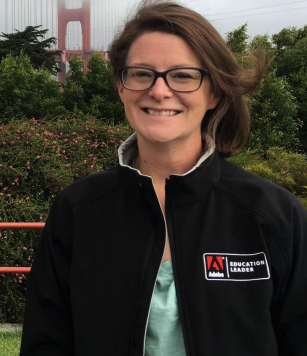
Jessica Campbell

Joseph Labrecque
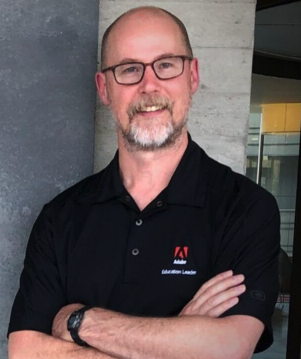
Joe Dockery
$39.99 / mo
$99.99 / year with a 7-day free trial
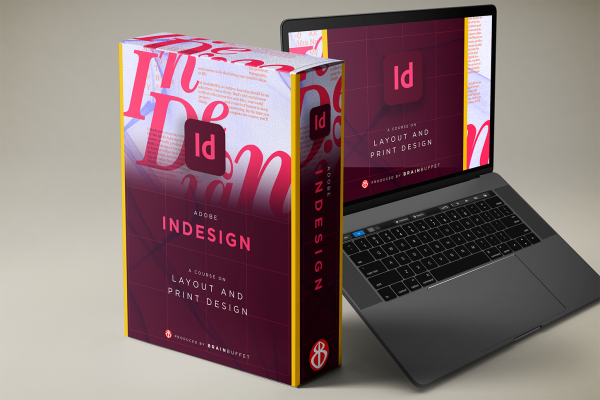
Learn how to make an impact with print using InDesign! In this course, Eric Cornish guides you through real-world design projects that build your confidence and skills as you master page layout, typography, interactive elements, and visual hierarchy. You’ll get hands-on with tools for creating posters, brochures, and multi-page documents, while exploring design principles, production workflows, and how to prep files for print or digital delivery. Whether you’re designing for school, a client, or your own creative project, this course gives you everything you need to start a portfolio—and have fun doing it.
Adobe InDesign Certified User Exam
Learn more about the certificationSpanish
|
English
Module 1
Design a bold 11×17” poster for a nonprofit beach cleanup campaign. Learn how to set up print-ready files, apply strong typography and layout principles, work with branding elements, and export professional deliverables for both print and digital use.
Module 2
Create a compact, high-impact promotional flyer that matches your poster’s visual identity. You’ll reuse assets, refine layouts, add QR codes for engagement, and export files correctly—building skills for cohesive, multi-platform marketing campaigns.
Module 3
Design a polished, multi-page international dessert booklet. Learn professional publishing workflows using master pages, styles, page numbering, tables of contents, and asset management—skills essential for books, portfolios, and editorial design.
Module 4
Turn your publication into an interactive experience by designing a fillable sign-up form. Learn how to structure form layouts, add interactive fields and buttons, and export accessible, mobile-friendly PDFs ready for real-world use.
Module 5
Bring everything together and prepare confidently for the Adobe Certified Professional exam. Review key tools, workflows, and task types you’ll encounter in the live InDesign environment, and walk into test day ready to earn your certification.