Update underway!
Microsoft Word

Jenn Stubblefield
$14.99 / mo
$99.99 / year with a 7-day free trial
In this expert-level course, Jonathan Gordon is here to guide you on a word processing journey. You’ll create a newsletter, a flyer, a catalog, and even a PDF that you can add to your portfolio – all while gaining the skills necessary to pass the expert-level Word certification exam AND get the absolute most out of Microsoft Word. For group/class purchases please contact us.
What you’ll need to complete this course:
1. The computer software to follow along with the lessons.
2. Access to the internet and a browser to watch our videos online.
3. A Google Drive or Microsoft OneDrive account to access the course resources.

Besides teaching English, Journalism and Social Studies over the past 29 years, Jonathan has taught Digital Media Technology and Computer Applications for both secondary and post-secondary students. Though specializing in the Adobe Suite, he has taught Word, Excel, Powerpoint, and Web Design. Jonathan has been the recipient of the Sun-Sentinel Journalism Teacher of the Year as well as the Florida Scholastic Press Association District 7 Teacher of the Year. Jonathan is also an author and technical editor for several Adobe InDesign publications.
Microsoft Word Expert Certified User Exam
Learn more about the certificationSpanish
|
English
Module 1
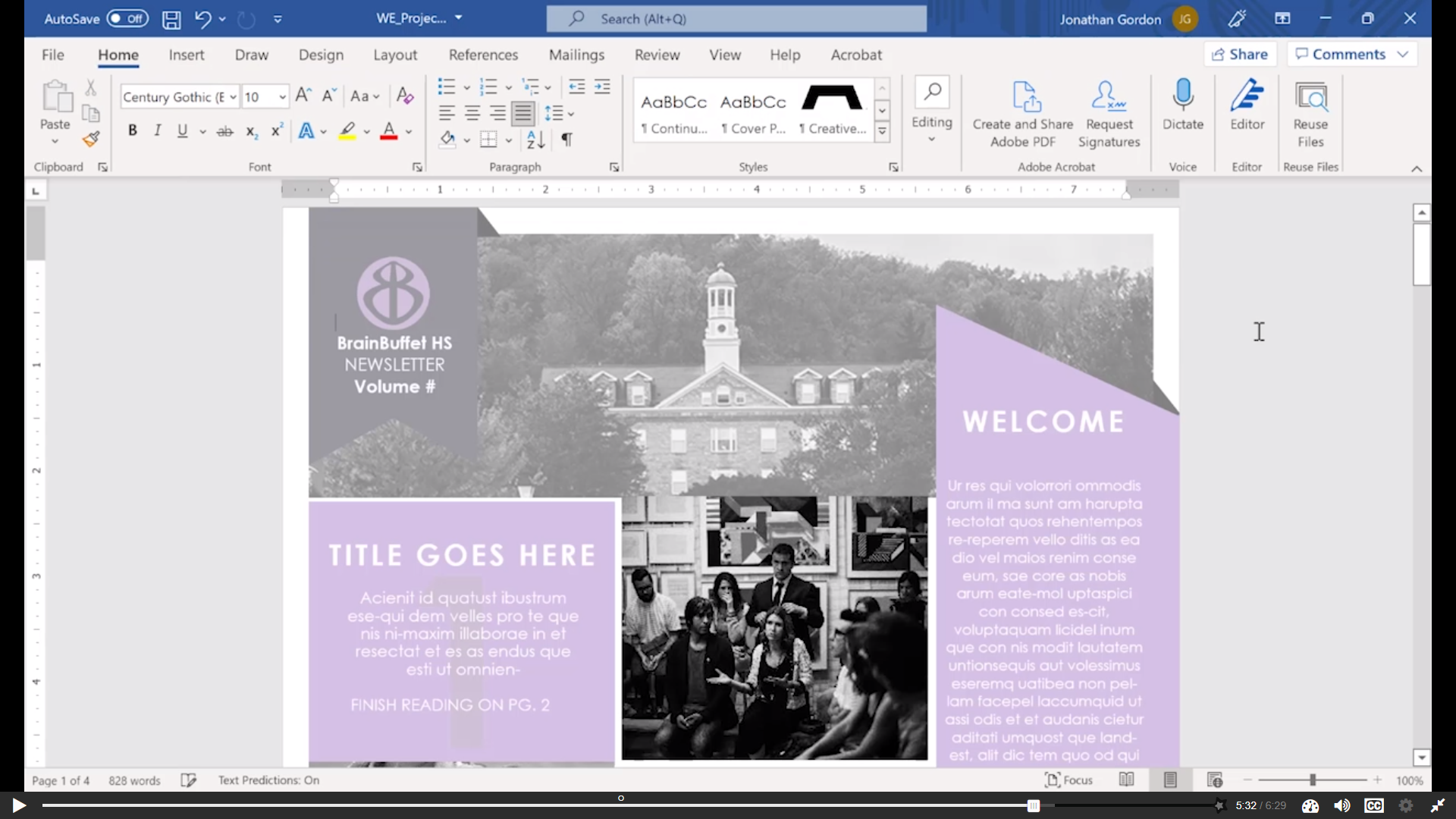
You are sharpening your skills to become an expert in Microsoft Word. In this module, you will work with the Journalism Department at BrainBuffet High School to create a monthly school newsletter. You will modify and customize an existing template so it reflects the campus’s style while showcasing students, staff, and school activities in a polished, professional layout.
Module 2
The BrainBuffet Career Resource Center offers courses and workshops designed to help recent graduates build job-ready skills and explore new career paths. In this module, you will organize and refine a monthly flyer or catalog created by multiple contributors. Your task is to clean up the layout, apply consistent formatting, and prepare the document for professional printing.
Module 3
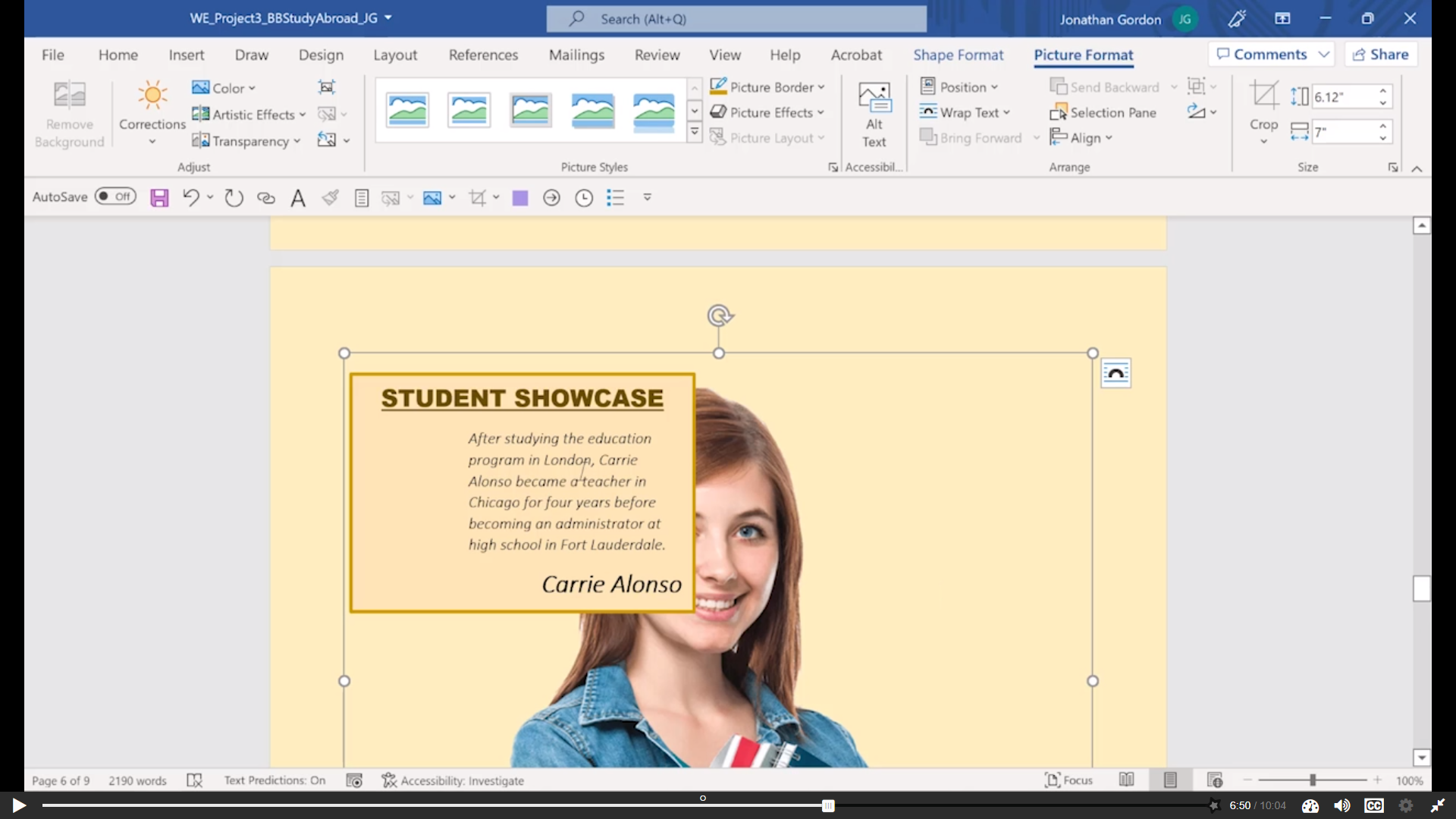
BrainBuffet now offers study abroad courses across Europe and Asia, helping students gain global skills, cultural awareness, and real-world experience. In this module, you will create a professional, visually engaging document that promotes these study abroad opportunities while clearly communicating program benefits and expectations.
Module 4
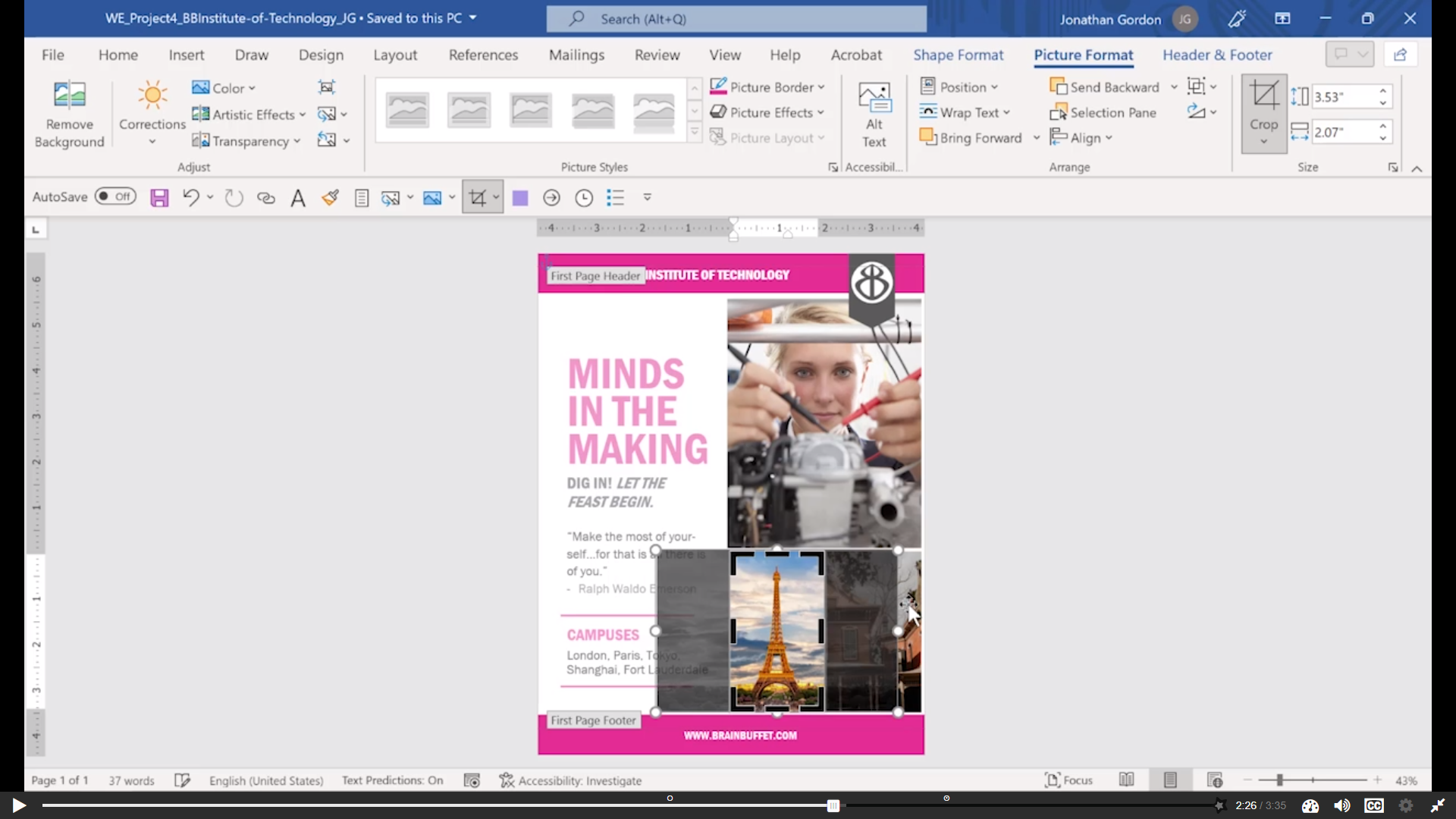
As BrainBuffet expands, it has established the BrainBuffet Institute of Technology with campuses around the world. In this module, you will create a polished informational document that highlights BIT’s mission, global reach, and academic excellence, positioning it alongside elite institutions like MIT and Caltech.
Module 5
As global interest in the BrainBuffet Institute of Technology continues to grow, prospective students are requesting more information and application materials. In this module, you will create a standard response letter that includes personalized fields for each recipient. This project focuses on using advanced Word features to efficiently generate professional, customized correspondence for large audiences.