
InDesign Certification Update
What Teachers Need to Know Right Now
Last updated: April 16, 2026
We are actively working on continued improvements to the InDesign 2025 course, including new workbook activities and targeted updates to select modules based on feedback from teachers and classroom performance data.
Our goal is to keep strengthening the course experience while supporting student success on certification exams.
Purpose of This Certification Success Guide
This Certification Success Guide is based on feedback and performance data from recent exam test takers. It highlights the key skills and concepts students should review before taking the exam again.
It is designed for students who completed the 2025 InDesign Course and are now preparing to take or retake the certification exam.
To support InDesign 2025 certification success, we created this targeted guide and quiz review to help reinforce key exam objectives and provide additional practice.
Our team is also working on additional updates to the InDesign 2025 course, planned for release within the next three months.
Review Key Content from the InDesign 2023 Course
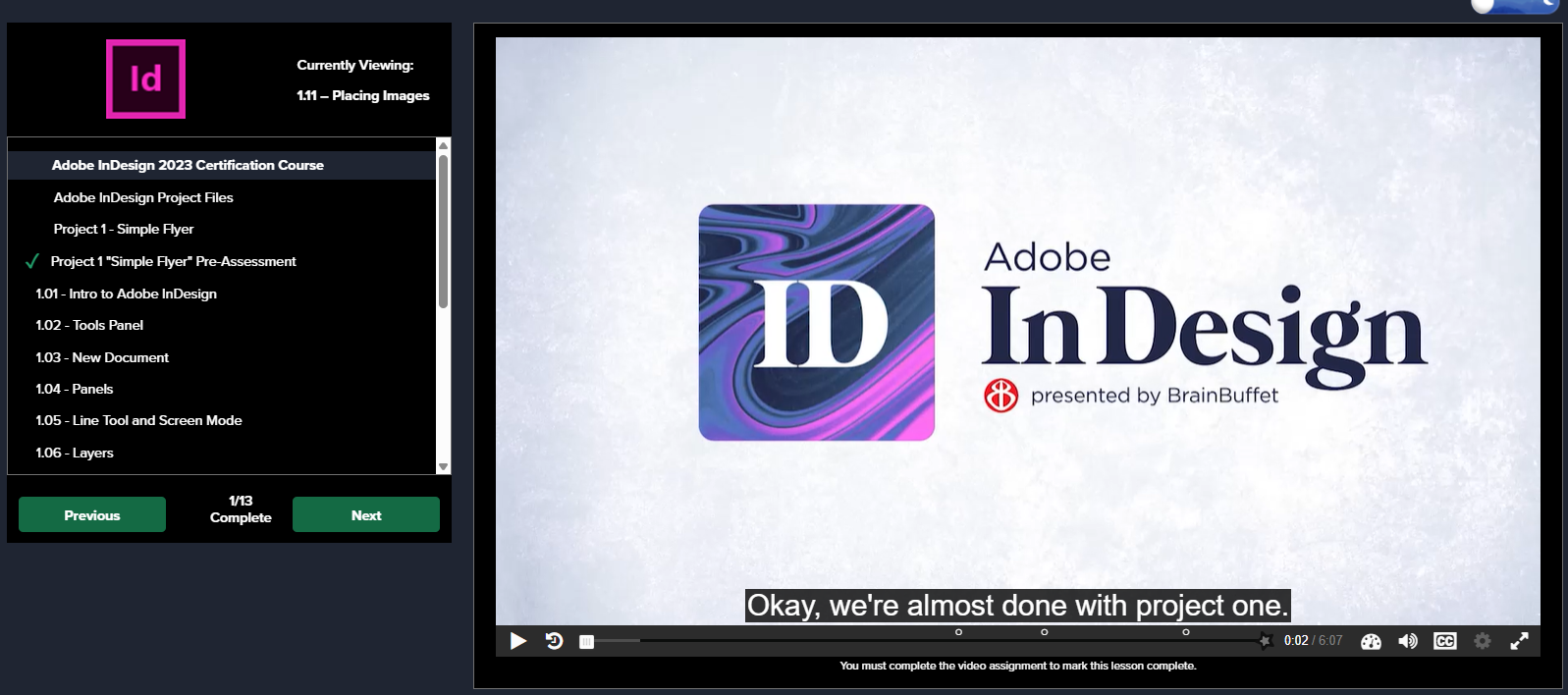
The 2023 InDesign course is currently available on the platform. While the software version differs slightly, the tools, workflows, and exam-relevant concepts remain very similar.
This content serves as a strong complementary resource and gives students another instructor perspective while reinforcing key exam topics.
Layout, Export, and Document Setup
InDesign 2023 – Module 2
2.01 Slug and Bleed
2.12 Stroke Panel
2.13 Export to PDF
2.14 Find & Change Fonts and Colors
2.15 Share and Export
Tables and Preflight
Tables and preflight concepts are a key area for improvement.
InDesign 2023 – Module 4
4.18 Adding a Table
4.19 More Tables
4.20 Table Header
4.21 Border Strokes
4.22 Threading Tables
4.28 Preflight Panel
Extra Practice Recommended
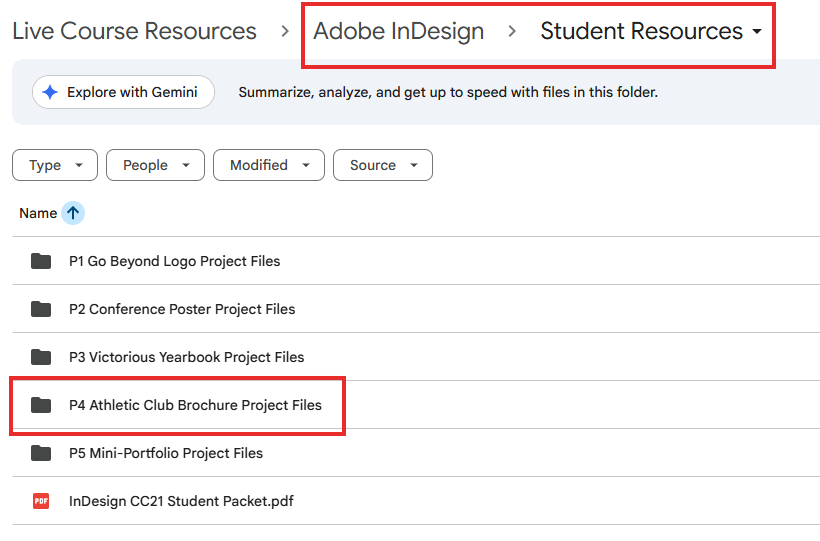
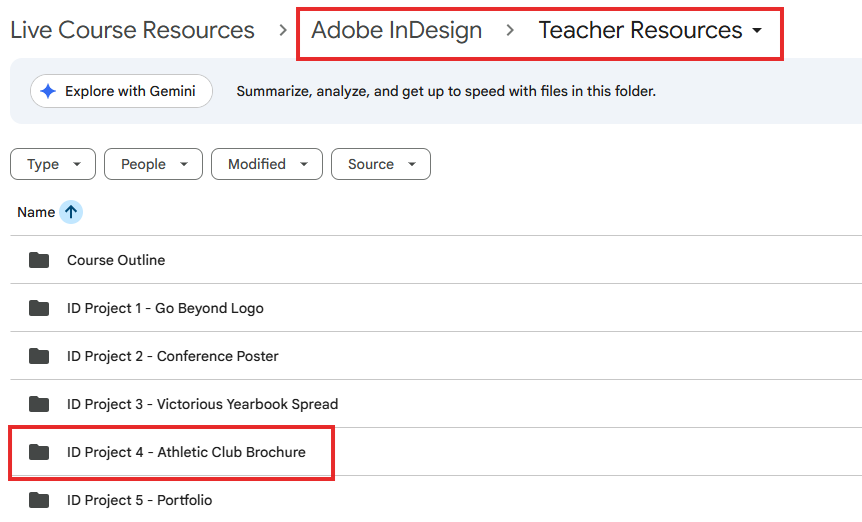
Have students complete the Module 4 Workbook as an additional hands-on practice opportunity. You may find this resource under the 2023 Course files (Teacher and Students folder).
Text and Interactive Documents
InDesign 2023 – Module 5
5.32 Text Quick Actions
5.33 Footnotes and Endnotes
5.34 Interactive PDF
Review Key Lessons from the InDesign 2025 Course
In addition to the 2023 content, students should revisit the following video lessons from the 2025 course, focusing on understanding why each tool is used:
3.17 – Exporting for Print and Web
5.14 – Formatting Tables
5.20 – Preflight Panel Review
[New] Timed Quiz + Flashcards on the BrainBuffet Platform (InDesign 2025)
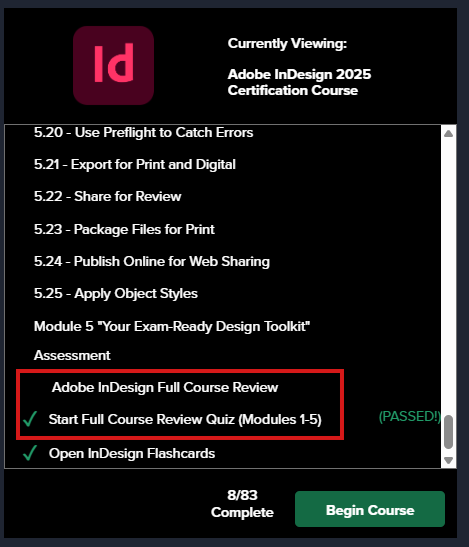
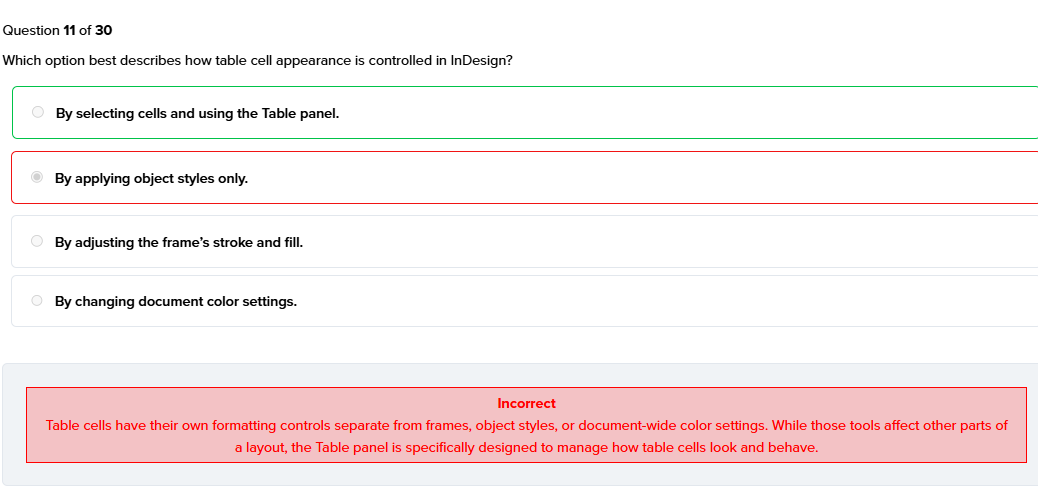
After completing the Module 5 assignment at the end of the InDesign 2025 course, students will find a timed quiz in the menu titled:
⚡ Self-grading
📘 Once they are done, your students can click on “View Questions” to review their questions and get an explanation for the ones they missed.
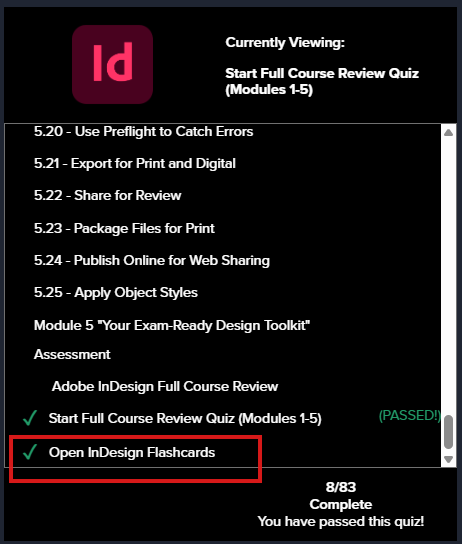
Flashcards Included
In the same tab, students will also find flashcards with vocabulary covered throughout the course. Flashcards are a great way to reinforce key terms and concepts because they encourage active recall, help students retain information longer, and make reviewing more interactive and efficient.
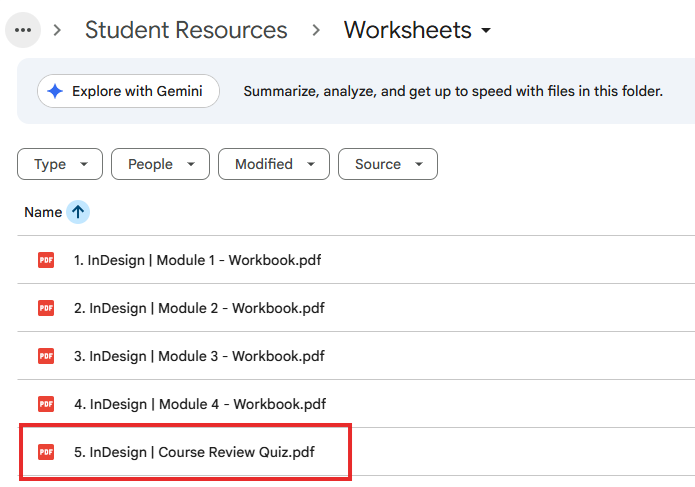
PDF Version of the Review Quiz (Optional)
An optional printable version is available for teachers who prefer to administer or review the quiz in a printable format.
Student Version
Student Resources > Worksheets > 5. InDesign | Course Review Quiz.pdf
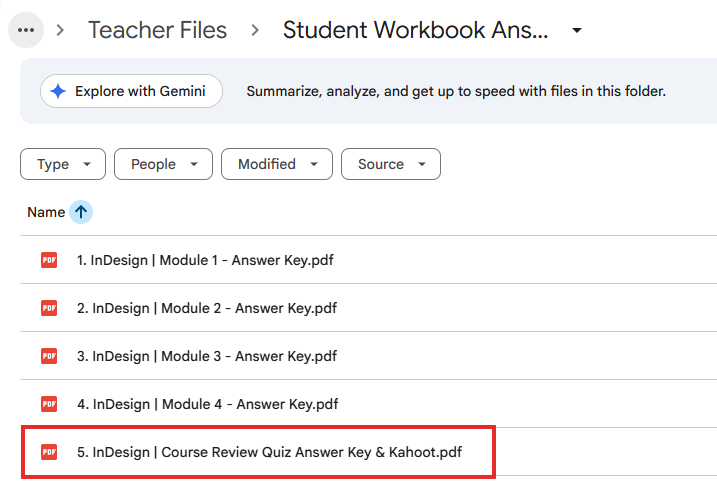
Teacher Answer Key
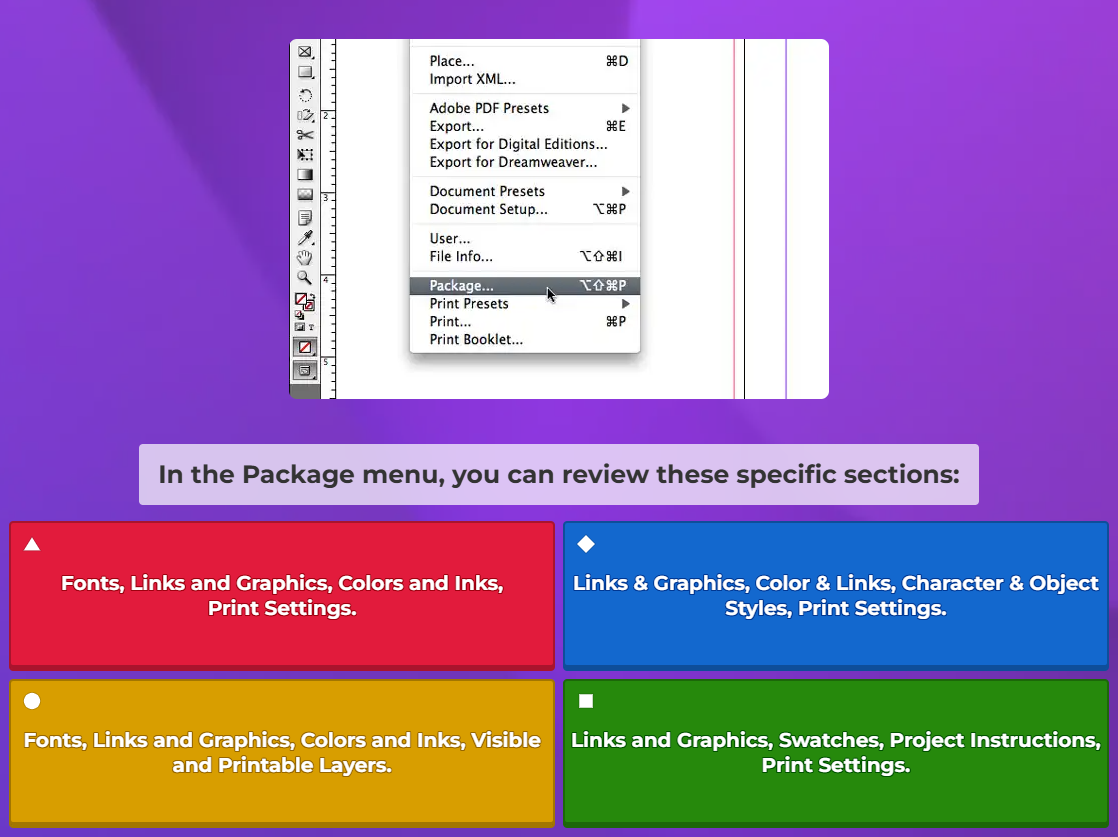
Teacher Files > Student Workbook Answer Keys > 5. InDesign | Course Review Quiz Answer Key & Kahoot
Kahoot Included
Inside the teacher’s PDF, we also include a link to a Kahoot quiz with the same questions. We strongly recommend using Kahoot whenever possible, as it is self-graded, interactive, and keeps students more engaged.
Teacher Tip 🎓
Encourage students to:
- Pause videos and practice alongside the instructor
- Recreate tables and layouts from scratch
- Use Preflight intentionally to identify and fix document issues
- Take the GMetrix Practice Test, if available — or speak with your Territory Manager to get access
Repetition + hands-on practice is the key to success on this exam.
We’re Here to Help
As always, we’re here to support you every step of the way.
support@brainbuffet.com