
Important Certification Updates for Teachers
(Last updated: February 6, 2026)
Purpose of This Study Guide
This study guide is based on feedback and performance data shared by instructors from recent exam test takers. It highlights the specific skills and concepts students need to strengthen before retaking the exam.
This plan is intended for students who completed the 2025 InDesign Course and are now preparing to take (or retake) the certification exam.
_________________________________________________________
Recommended Next Steps for Students
1. Review Key Content from the InDesign 2023 Course
The 2023 InDesign course is currently available on the platform. While the software version differs slightly, the tools, workflows, and exam-relevant concepts remain very similar. This content will serve as a complementary resource to reinforce key exam topics, and students may also benefit from experiencing these concepts through a different instructor’s approach and perspective.
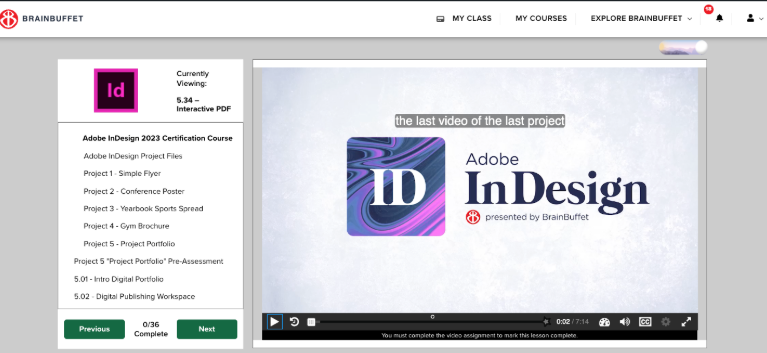
Encourage students to focus on the following projects and lessons:
- Layout, Export, and Document Setup
Have students rewatch and practice the following video lessons from InDesign 2023 Module 2:
- 2.01 – Slug and Bleed
- 2.12 – Stroke Panel
- 2.13 – Export to PDF
- 2.14 – Find & Change Fonts and Colors
- 2.15 – Share and Export
These topics directly support exam objectives related to document setup, consistency, and output.
-
Tables and Preflight
Tables and preflight concepts are a key area for improvement.
Have students watch the following video lessons from InDesign 2023 Module 4:
- 4.18 – Adding a Table
- 4.19 – More Tables
- 4.20 – Table Header
- 4.21 – Border Strokes
- 4.22 – Threading Tables
- 4.28 – Preflight Panel
Extra Practice Recommended
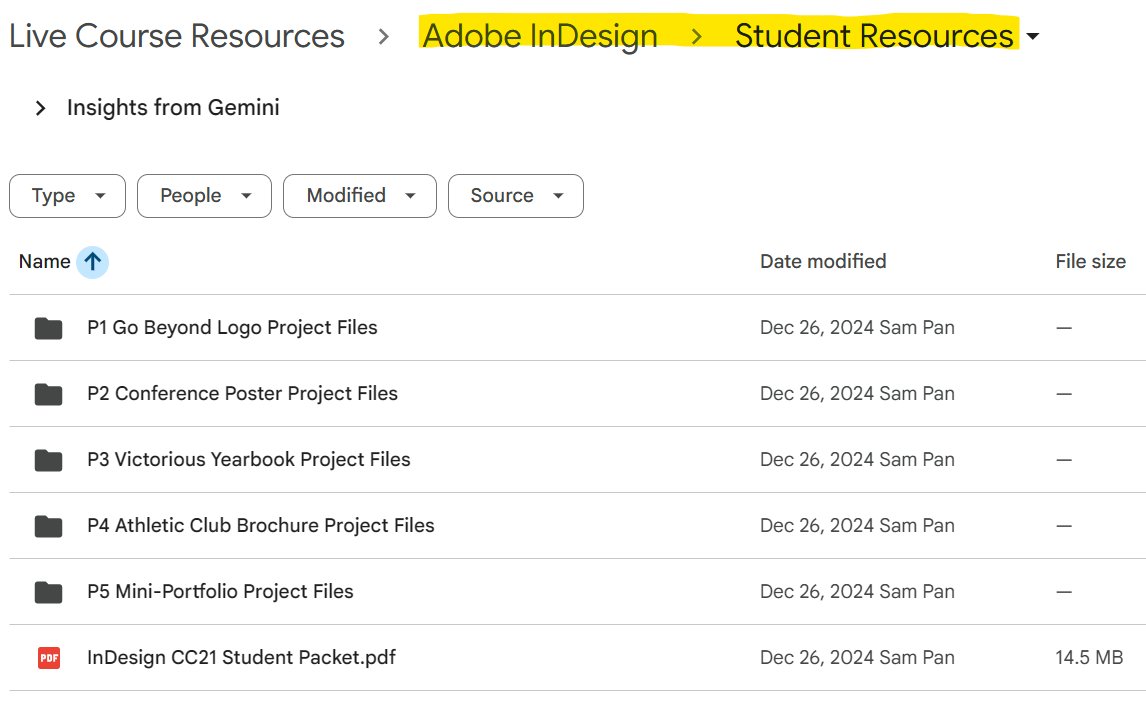
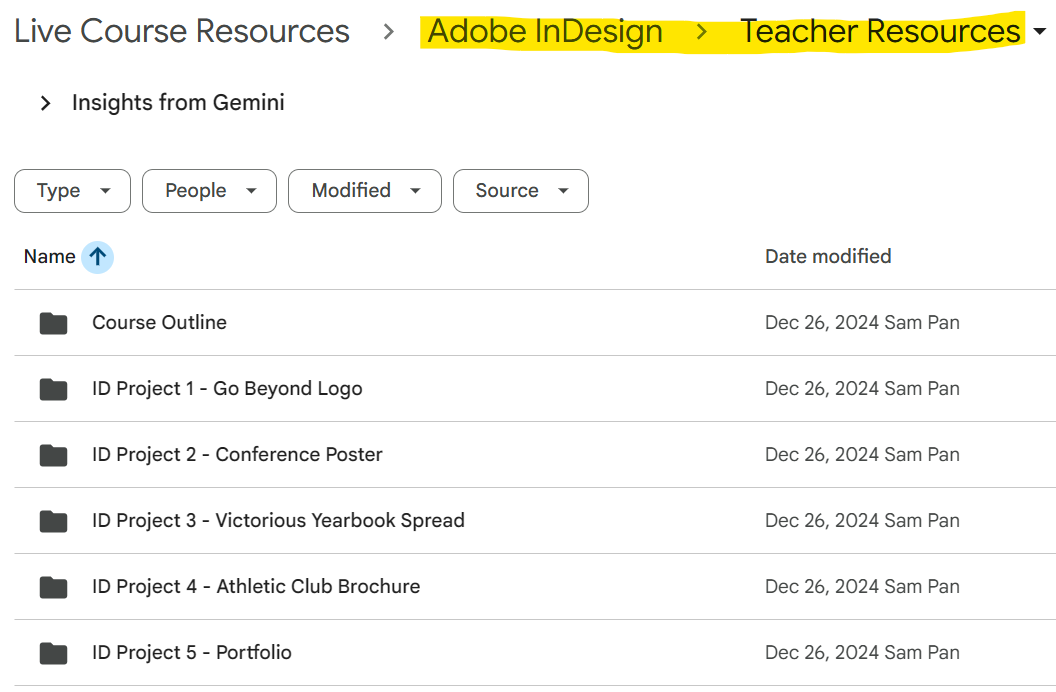
Have students complete the Module 4 Workbook as an additional hands-on practice opportunity. You may find this resource under the 2023 Course files (Teacher and Students folder).
-
Text and Interactive Documents
Have students watch the following video lessons from InDesign 2023 -Module 4:
- 5.32 – Text Quick Actions
- 5.33 – Footnotes and Endnotes
- 5.34 – Interactive PDF
These lessons reinforce text handling and document interactivity.
2. Review Key Lessons from the 2025 Course
In addition to the 2023 content, students should revisit the following video lessons from the 2025 course, focusing on understanding why each tool is used:
- 1.10 – Finalizing and Exporting the Poster
- 3.17 – Exporting for Print and Web
- 5.14 – Formatting Tables
- 5.20 – Preflight Panel Review
_________________________________________________________
Final Exam Preparation
Take the Exam Quiz Review
Before attempting the certification exam, have students complete the New Exam Quiz Review:
[New] Timed Quiz + Flashcards on the BrainBuffet Platform:
-
After completing the Module 5 assignment at the end of the course, you’ll find a timed quiz in the menu titled Adobe InDesign Review.
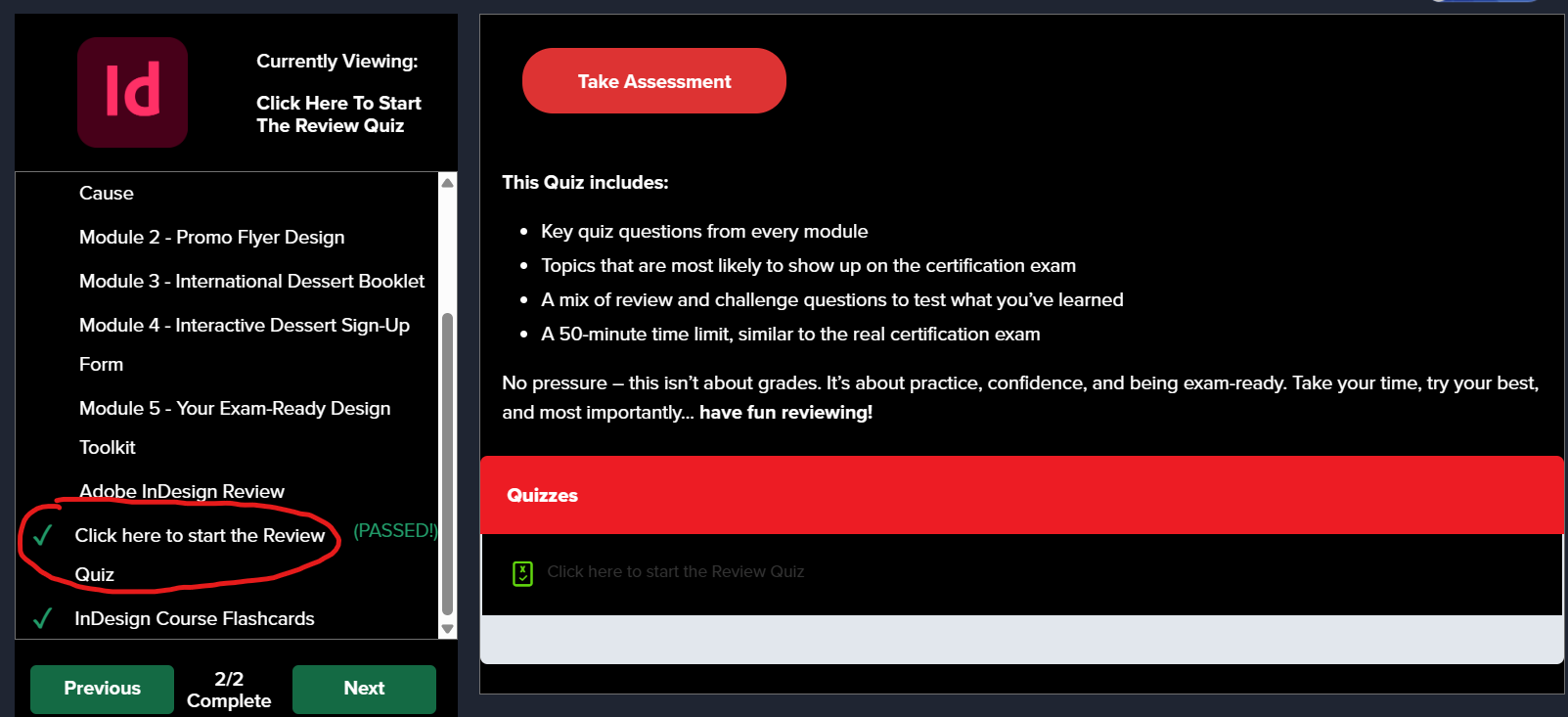
– A 50-minute time limit, similar to the real certification exam
– Self-grading
– Once they are done, your students can click on “View Questions” to review their questions and get an explanation for the ones they missed.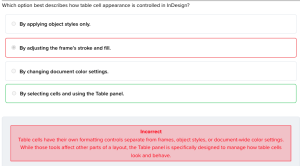
-
In the same tab, you’ll also find flashcards with a vocabulary list covered throughout the course. Flashcards are a great way to reinforce key terms and concepts because they encourage active recall, help students retain information longer, and make reviewing more interactive and efficient.
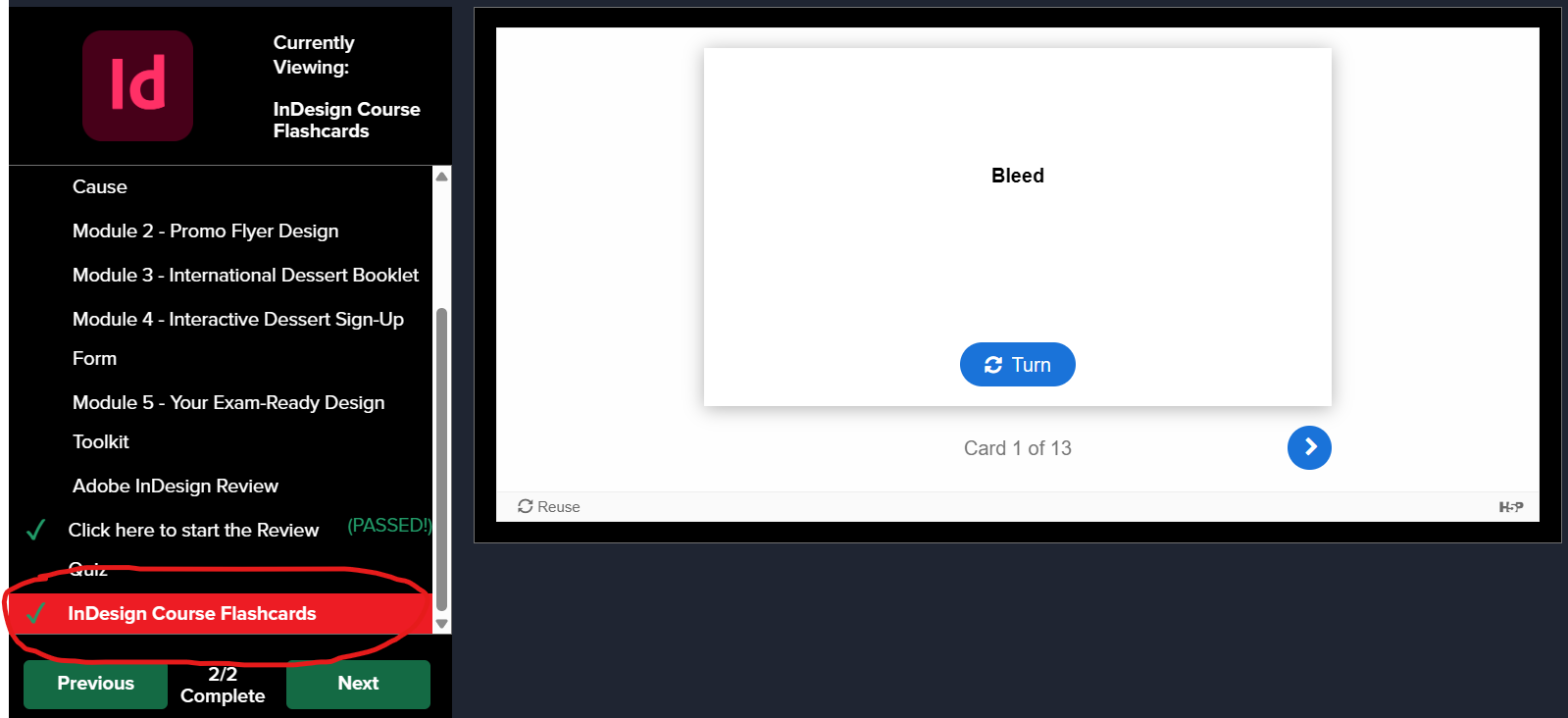
This review is designed to help students identify last-minute gaps in their knowledge and build confidence before the exam.
PDF Version of the Review Quiz (optional):
An optional PDF version of the review quiz is available for teachers who prefer to administer or review the quiz in a printable format.
Where to find it:
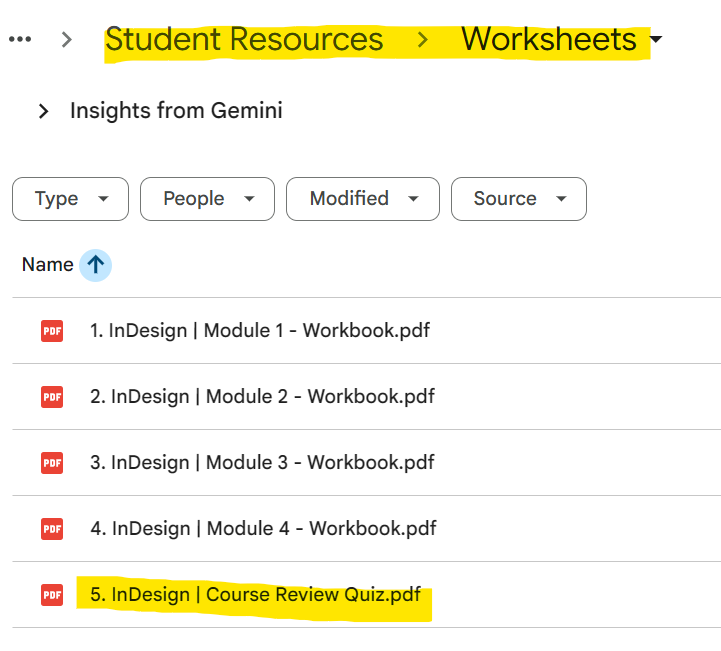
- Student version: Student Resources > Worksheets > 5. InDesign | Course Review Quiz.pdf
- Teacher answer key: Teacher Files > Student Workbook Answer Keys > 5. InDesign | Course Review Quiz Answer Key & Kahoot
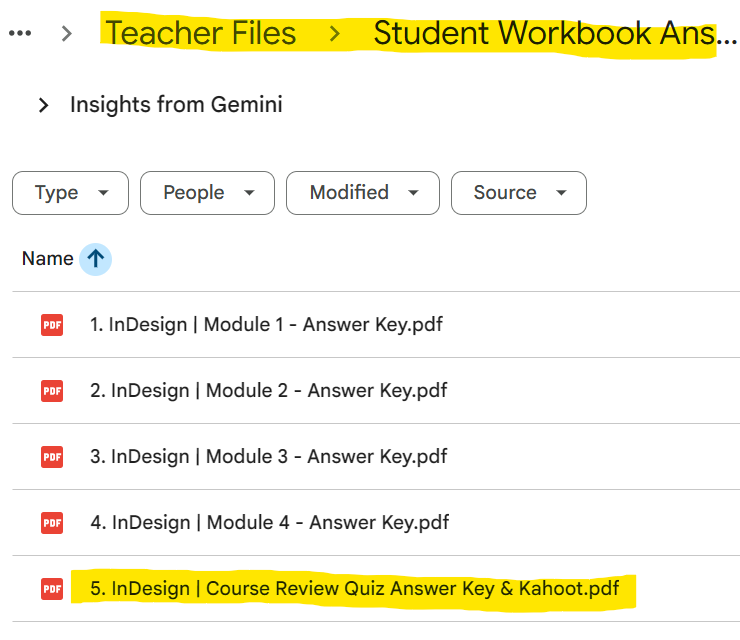
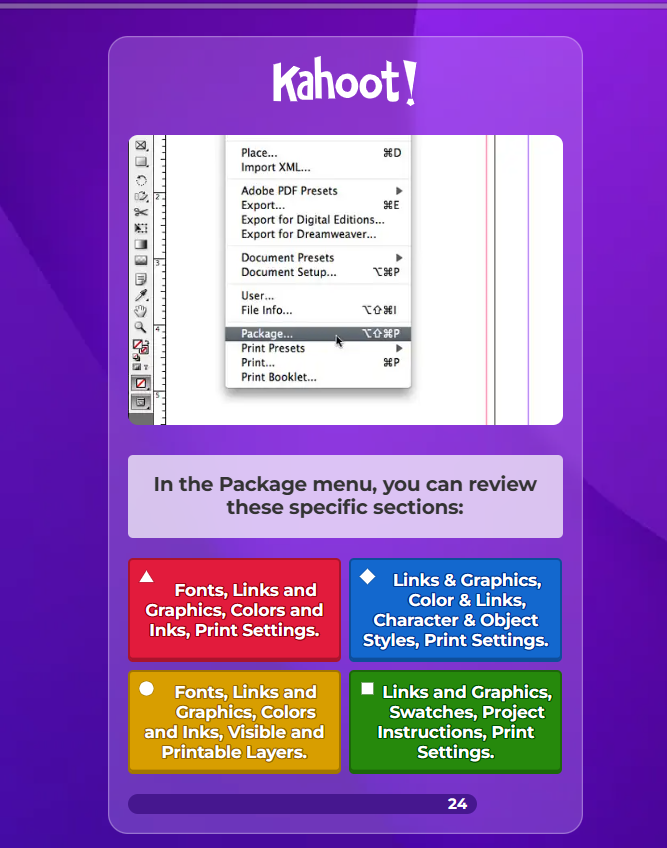
Inside the teacher’s PDF, we also include a link to a Kahoot quiz with the same questions. You can print and use the PDF review if you want, but we strongly recommend using the Kahoot whenever possible, as it is self-graded, interactive, and keeps students more engaged.
This review is designed to help students identify last-minute gaps in their knowledge and build confidence before the exam.
_________________________________________________________
Teacher Tip
Encourage students to:
- Pause videos and practice alongside the instructor.
- Recreate tables and layouts from scratch.
- Use Preflight intentionally to identify and fix document issues.
- Take the Gmetrix Practice Test, in case you have access to – or speak to your Territory Manager to get access to those.
** Repetition + hands-on practice is the key to success on this exam.